
Welcome to the Lasernet Knowledge Base
- 16 Mar 2026
- 2 Minutes to read
- Contributors


- Print
- PDF
Welcome to the Lasernet Knowledge Base
- Updated on 16 Mar 2026
- 2 Minutes to read
- Contributors
- Print
- PDF
Article summary
Did you find this summary helpful?
Thank you for your feedback
Welcome to the Lasernet Knowledge Base, which is designed to enhance your experience with our products and services. The Lasernet Knowledge Base serves as a comprehensive resource, offering the latest product release notes, changelogs, detailed guides, articles, and videos, all in one centralized location.
Find Your Way Around the Lasernet Knowledge Base
Quick Search
Use the Search bar in the header of the Lasernet Knowledge Base homepage to quickly find guides, articles, videos, and release notes for all our products by entering a simple keyword.
As shown below, results will be displayed in the dropdown menu, from which you can select the document you wish to view. The dropdown menu displays a limited selection of results. To view the full list, use the advanced search option.
To use the advanced search, click Go to advanced search at the bottom of the displayed search results. 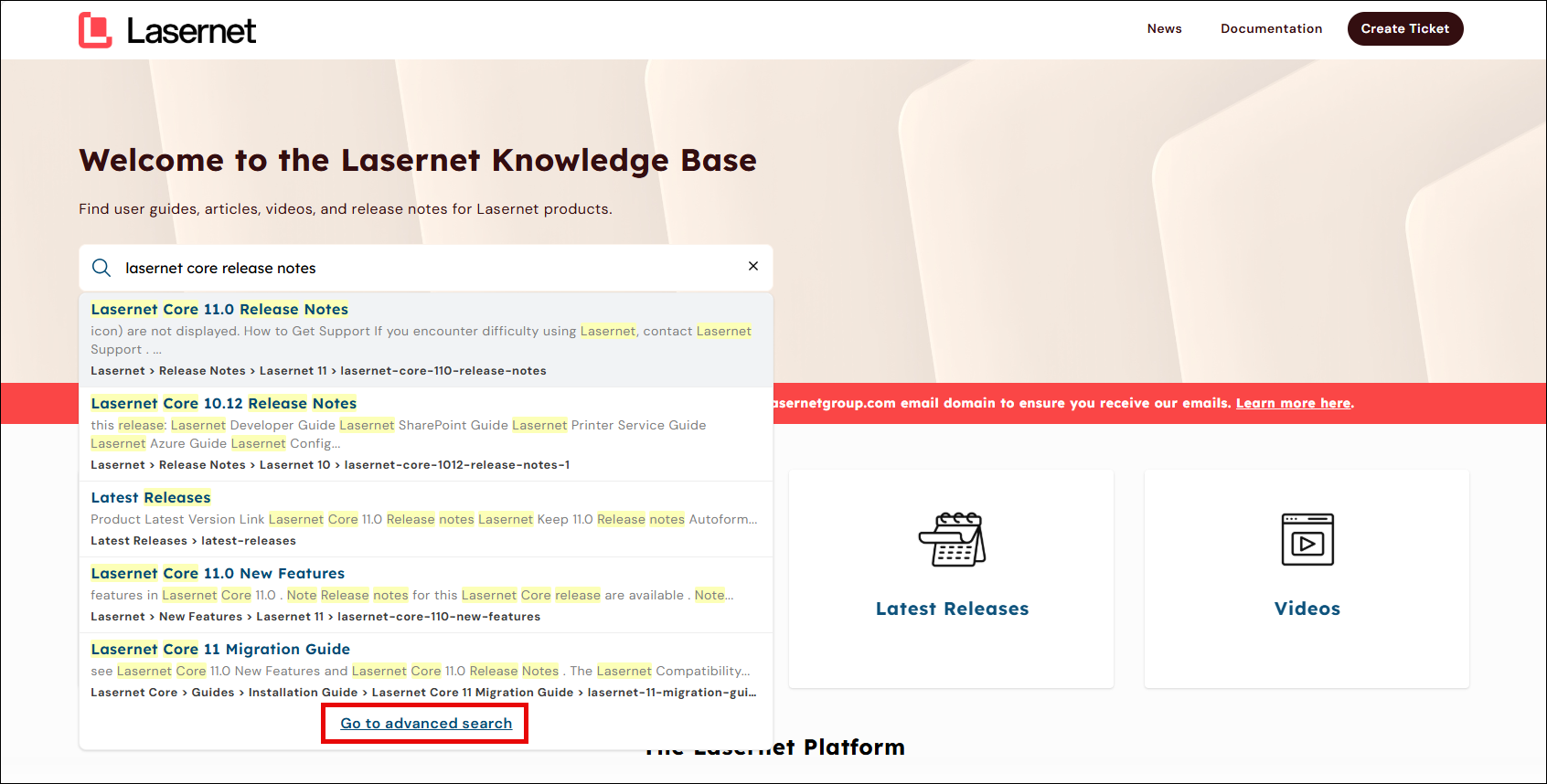
Advanced Search
Use the advanced search in order to refine your search results through filters such as Category, Contributors, Tags, and Updated On.
Filter | Description |
|---|---|
Category | Apply this filter to refine search results and see articles or pages belonging to those categories. |
Tags | Apply this filter to narrow results down to articles containing the selected tags. |
Updated On | Apply this filter to see results based on when an article or document was updated. |
Contributors | Apply this filter to see articles or documents written by a particular contributor. |
From the filtered results, click the article that you wish to read.
Navigate
The knowledge base is organized by product and content type, making it is easy to navigate and find what you’re looking for. Each of these main categories contain subcategories including Guides, General Information, FAQs, Release Notes, and New Features.
The side menu of categories and content types is displayed by default. To navigate the category manager, perform the following actions:
In the navigation bar on the left, click on the arrow next to a category (>) to expand it.
Repeat the above step to view subcategories, chapters, or sections of a document.
Click on an article or section to read it.
.png)
Optionally, enter a keyword in the Filter bar to view filtered results.
Note
This is a filter for the navigation menu, and not a search function.
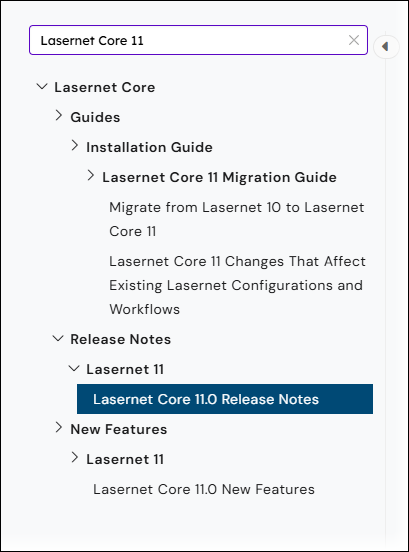
To hide the left navigation bar, click the Hide Category icon (<) next to the Filter bar.
News, Downloads and Demo Licences
You will be redirected to the News page on the Lasernet Support Portal. 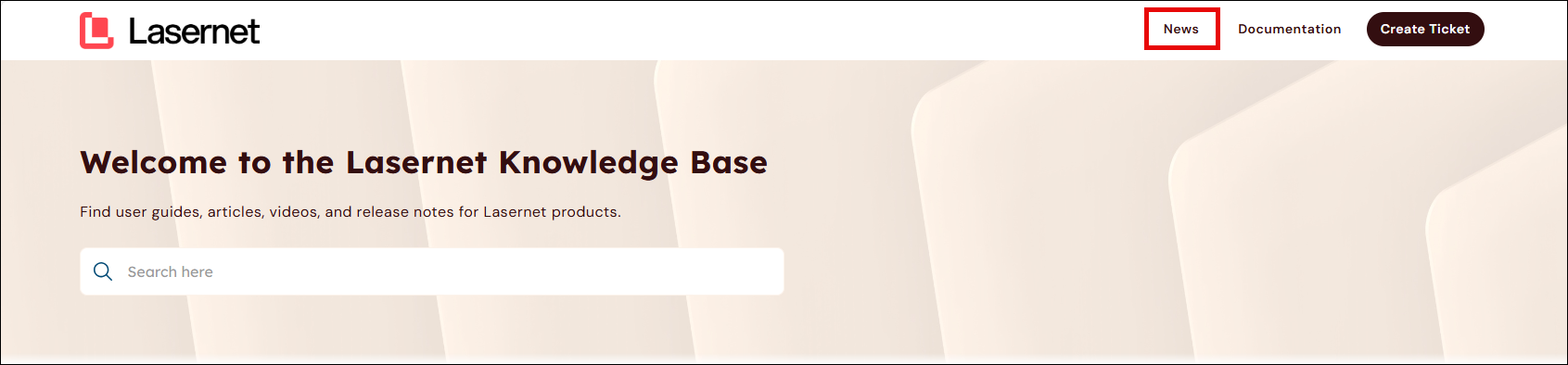
Software downloads and demo licences currently remain on the Lasernet Support Portal. Software download files for a particular release version can be accessed via links in the release notes or the release announcements of that version.
Raise a Support Ticket
Use the Create Ticket button in the header bar:
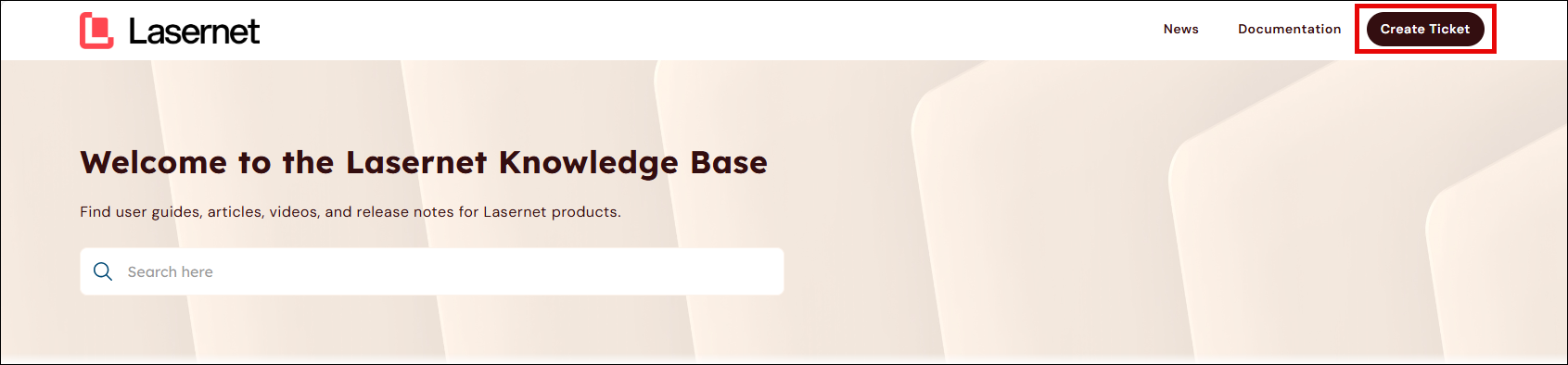
For more information, see Best Practices for Raising Support Tickets.
Note
You will need to log in to the Lasernet Support Portal to create tickets.