
SharePoint Connection
- 16 Apr 2026
- 1 Minute to read
- Contributors

- Print
- PDF
SharePoint Connection
- Updated on 16 Apr 2026
- 1 Minute to read
- Contributors
- Print
- PDF
Article summary
Did you find this summary helpful?
Thank you for your feedback
Applies to: Lasernet Core 11
A SharePoint connection is used by a SharePoint command to tell Lasernet Core where the server is located and which credentials are needed to successfully connect. It is possible to address a specific subsite on the SharePoint server, and a specific document library within this subsite.
SharePoint
Select SharePoint to use Web Service as the connection type.
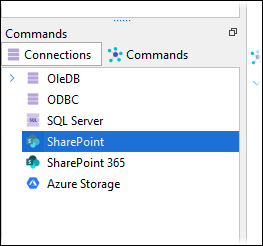
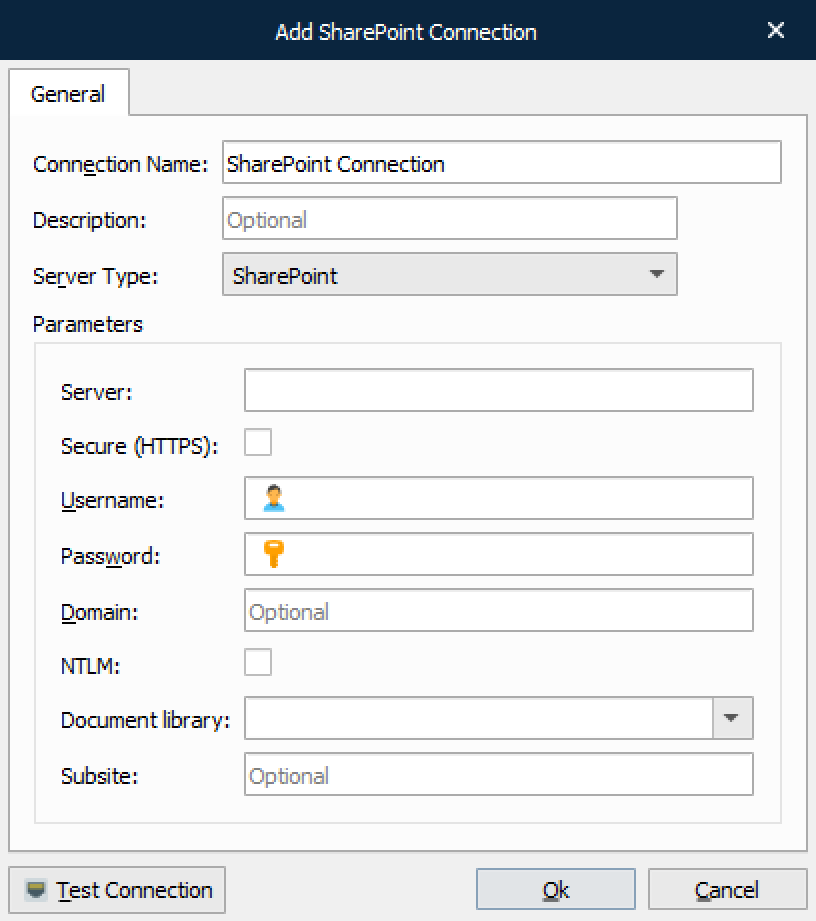
In addition to testing the connection, Test Connection fetches the list of libraries from the SharePoint server. These can then be accessed via the dropdown menu of the Document library setting.
For information about the connection properties, see Connection: Web Services on the SharePoint Output Module page.
SharePoint 365
Select SharePoint 365 to use REST API with Legacy or Graph communication.
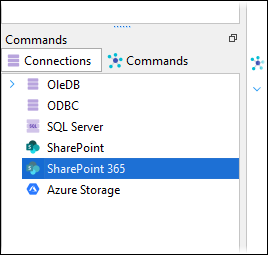
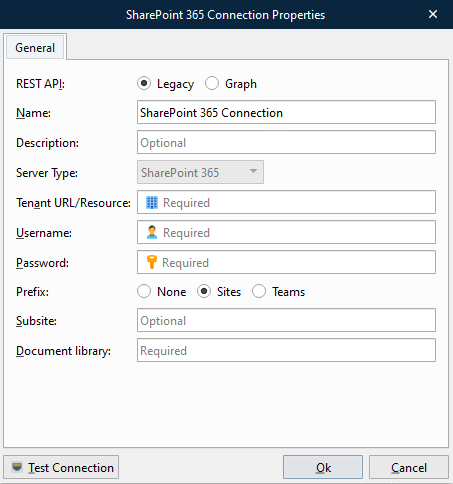
Click the Test Connection button to validate the connection between the Lasernet Core module and SharePoint.
For information about the connection properties, see Connection: Legacy and Connection: Graph on the SharePoint Output Module page.