
Pass-through
- 30 Jan 2026
- 1 Minute to read
- Contributors

- Print
- PDF
Pass-through
- Updated on 30 Jan 2026
- 1 Minute to read
- Contributors
- Print
- PDF
Article summary
Did you find this summary helpful?
Thank you for your feedback
Applies to: Lasernet Core 11
The Pass-through is a module that does not directly affect the job, but can be used for grouping a set of modifiers in a setup, as per the example below:
File Input A > Pass-Through AB > Forms > File Output A
File Input B > Pass-Through AB > Forms > File Output B
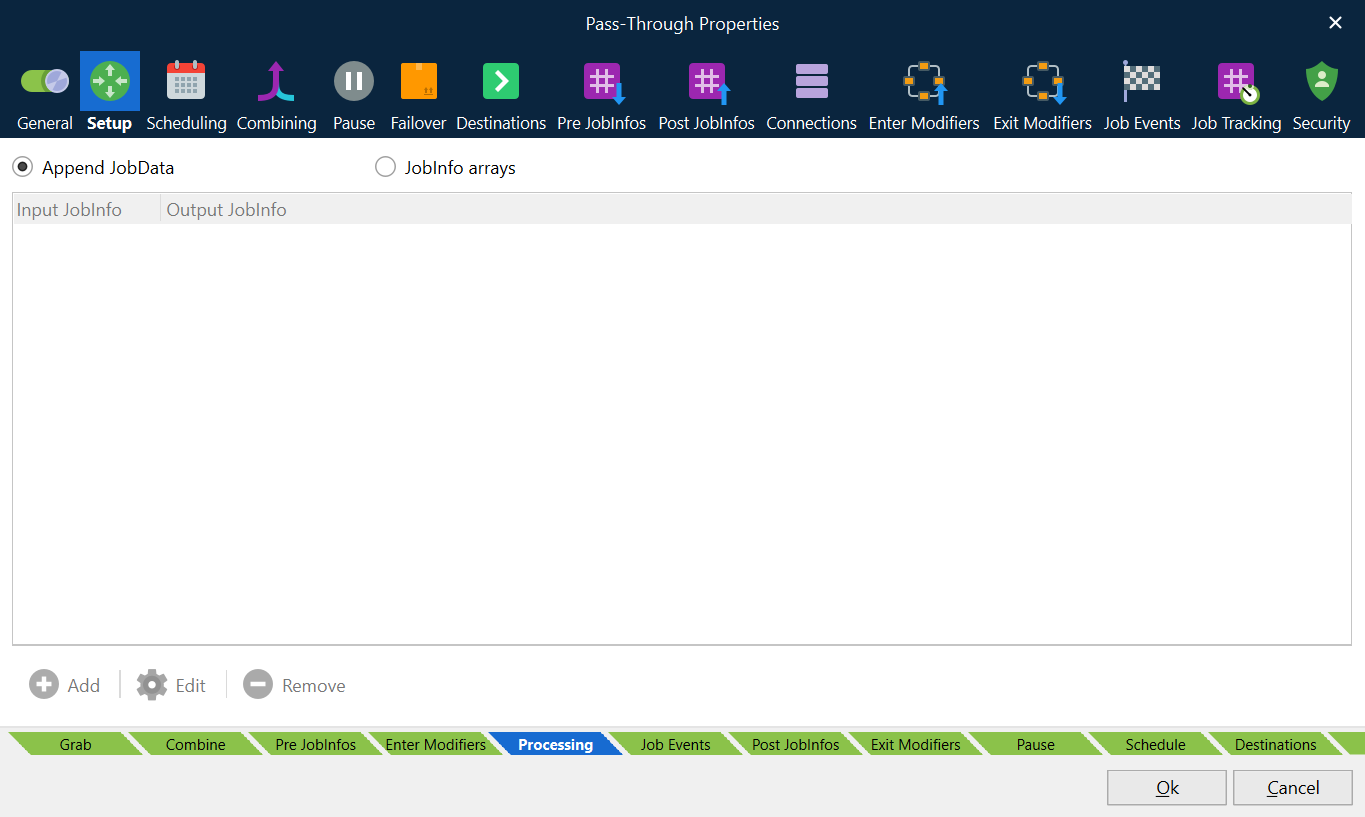
Setup Tab
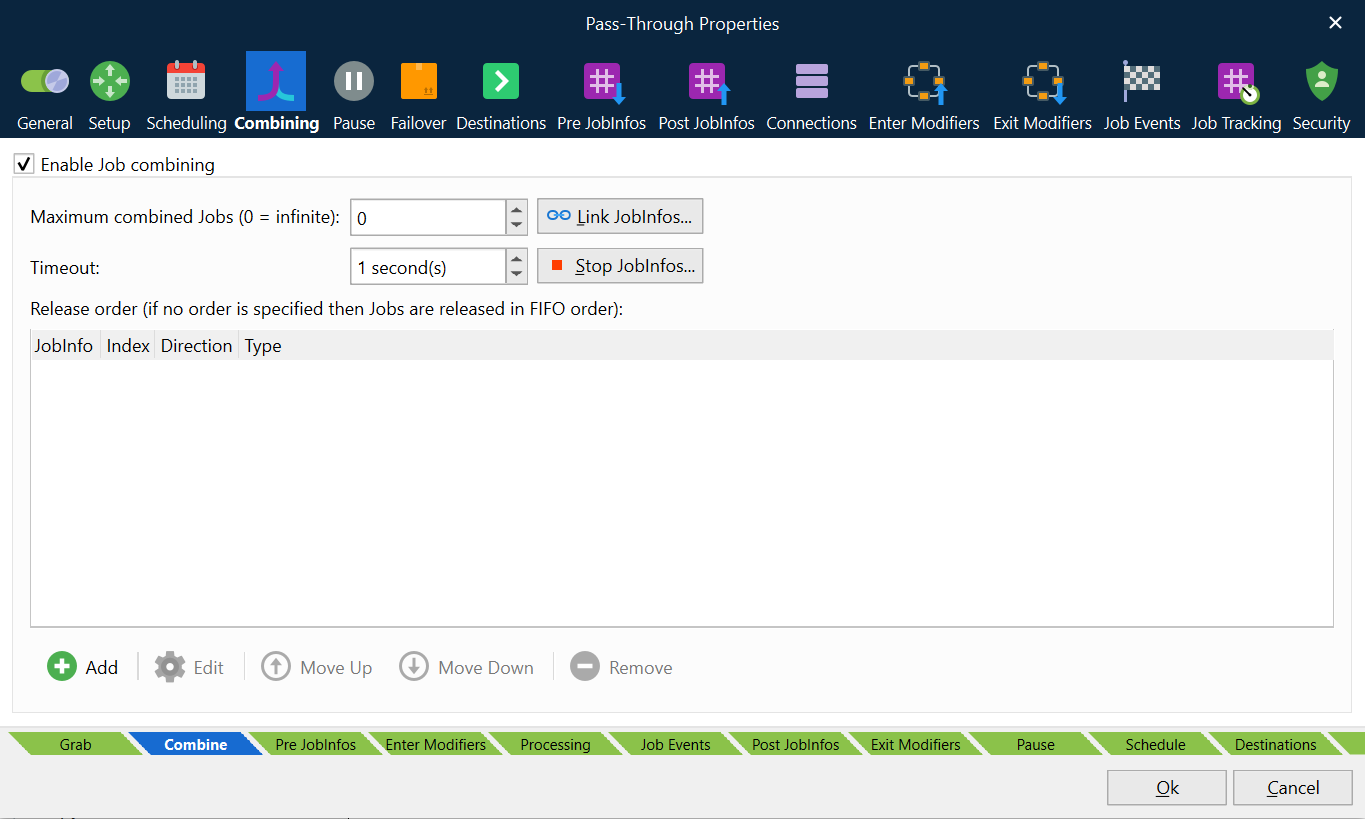
Settings defined in the Setup tab will only have an effect if job combining is activated on the Combining tab for the Pass-through module.
Append JobData
On the Setup tab, click Append JobData to combine JobData and no other JobInfos (default mode). JobData will contain data for all combined jobs and only attach JobInfos available for the first job in the batch. JobInfos for all other jobs except the first job will automatically be deleted when combining is running. This is similar to how combining mode works in other modules (see Combining Jobs).
JobInfo Arrays
Click JobInfo arrays if you want to create arrays for a list of user-defined JobInfos available in the batch job. Click the Add button on the Setup tab to add the name of a JobInfo (Input JobInfo) which you want to copy into another JobInfo (Output JobInfo). The output JobInfos will now contain an array of JobInfos that are attached to JobData.
If you want to create an array for an existing JobInfo, set Input JobInfo and Output JobInfo to the same name. If names for Input JobInfo and Output JobInfo are not the same, the value for Input JobInfo will be copied into a new Output JobInfo, which is added to the job. In both cases, a JobInfo array will be created for the output JobInfo.
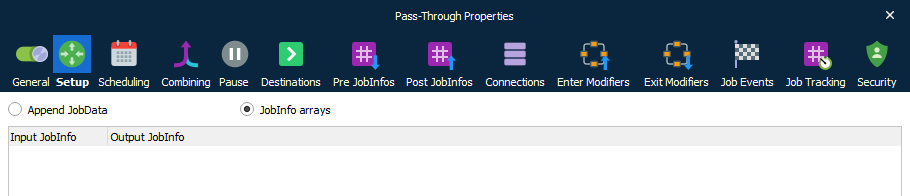
This feature is primarily used in setups where the destination in the Pass-through is a Web Service module and the result must contain a list of jobs with different filenames, content types, and so on.