Lasernet Core 11.1 Beta 1 New Features
- 01 May 2026
- 2 Minutes to read
- Contributors

- Print
- PDF
Lasernet Core 11.1 Beta 1 New Features
- Updated on 01 May 2026
- 2 Minutes to read
- Contributors
- Print
- PDF
Article summary
Did you find this summary helpful?
Thank you for your feedback
Release version: 11.1 Beta 1
Release date: 1st May 2026
Introduction
This page describes the new features in Lasernet Core 11.1 Beta 1.
Note
Compatibility Warning
The Lasernet Connectors for Microsoft Dynamics 365 are currently not compatible with Lasernet Core 11. We are working towards launching these two products together, but until then, current customers and partners with the Dynamics 365 connectors should continue to use Lasernet Core 10.
Note
Lasernet Core 11 delivers significant advancements in several key areas.
Because of the underlying architectural changes in Lasernet Core 11, if you are considering upgrading from Lasernet Core 10, we recommend that you:
Thoroughly review the release notes for this and previous Lasernet Core 11 releases.
Thoroughly review Lasernet Core 11 documentation.
Fully test your configuration.
Reach out to your technical team for support.
This note does not apply to the Lasernet Connectors for Microsoft Dynamics 365, which must continue to use Lasernet Core 10.
New Features
Lasernet Core 11.1 includes the following significant changes and new features.
Lasernet Rebranding
2025 marked a significant structural change for the business previously known as Formpipe Software AB. In December 2025, Formpipe Software AB completed the “carve out” of its public sector products and operations, which included the Formpipe company name and brand.
As a result, the company will formally change its name to Lasernet Group in 2026. Our focus is now solely on the Lasernet platform.
As part of this process, we are rebranding our current Lasernet platform software. Lasernet Core 11.1 includes some key aspects of this rebranding.
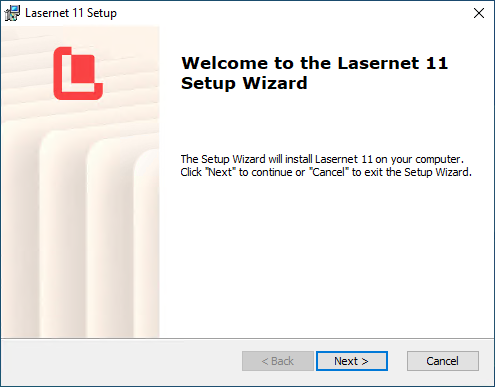
Installers
Software installers have been rebranded.
Installation and Data Directories
By default, Lasernet Core now uses directories that contain the Lasernet name:
C:\Program Files\LasernetC:\ProgramData\LasernetC:\Users\<user name>\AppData\Local\Lasernet
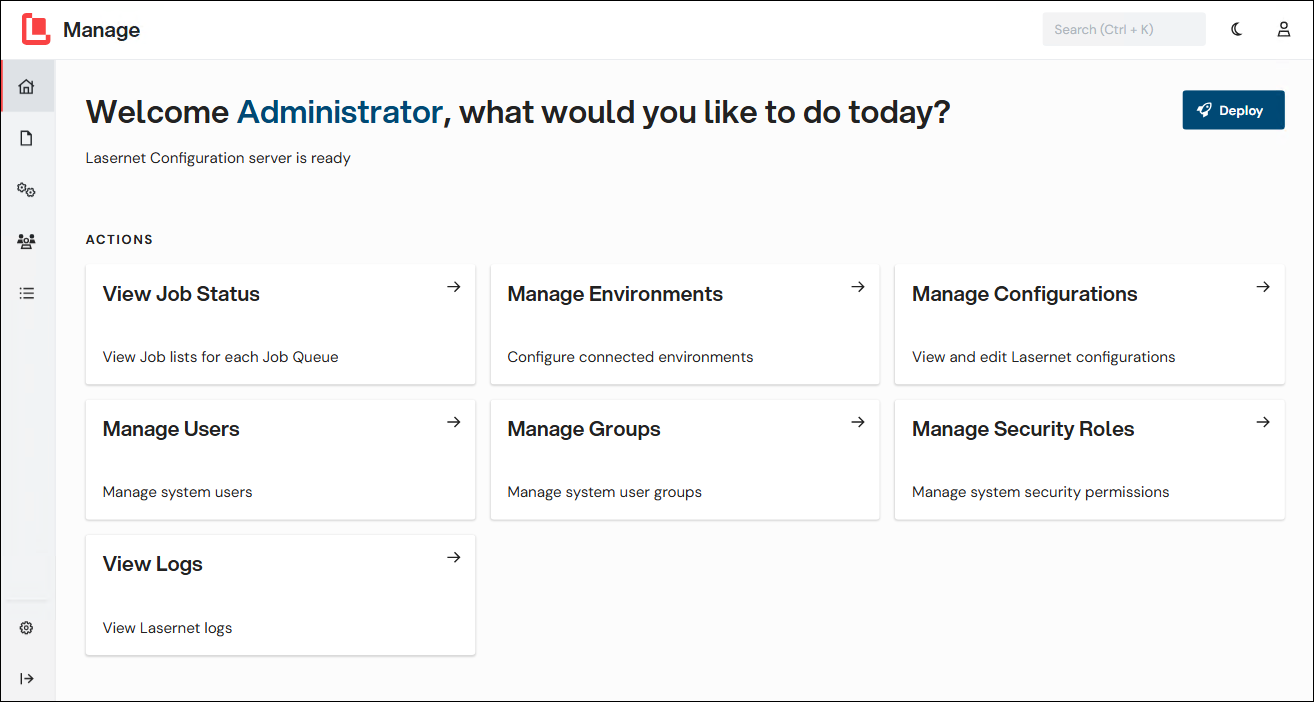
The Connect to Lasernet / Start Window and the Manage Administration Tool for Lasernet Core
The Connect to Lasernet / Start window and the Manage administration tool for Lasernet Core are now Lasernet branded.
.png)
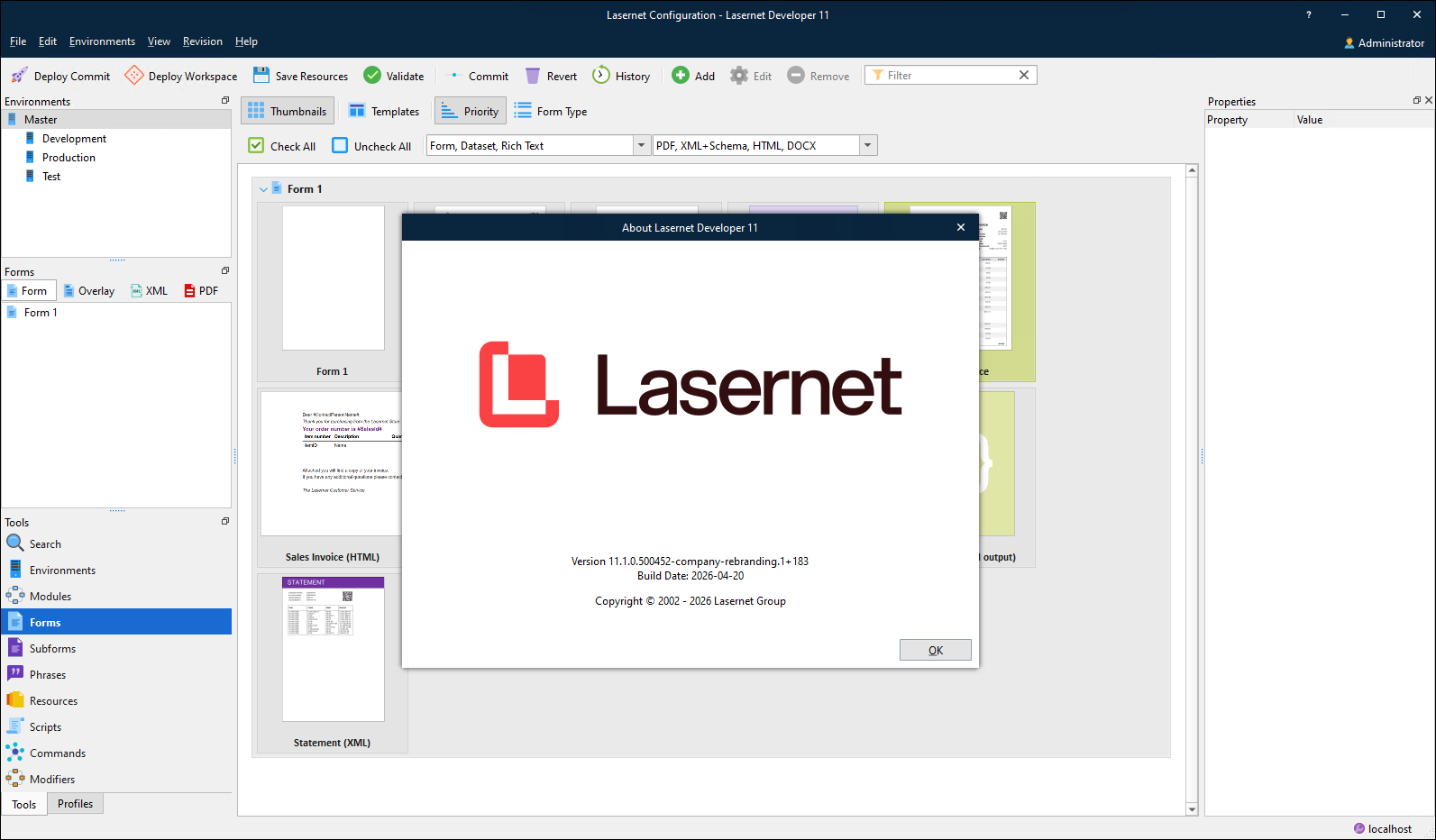
Splash Screens and About Boxes
Application splash screens and About boxes are now Lasernet branded.
Specify Chart Colors in Data
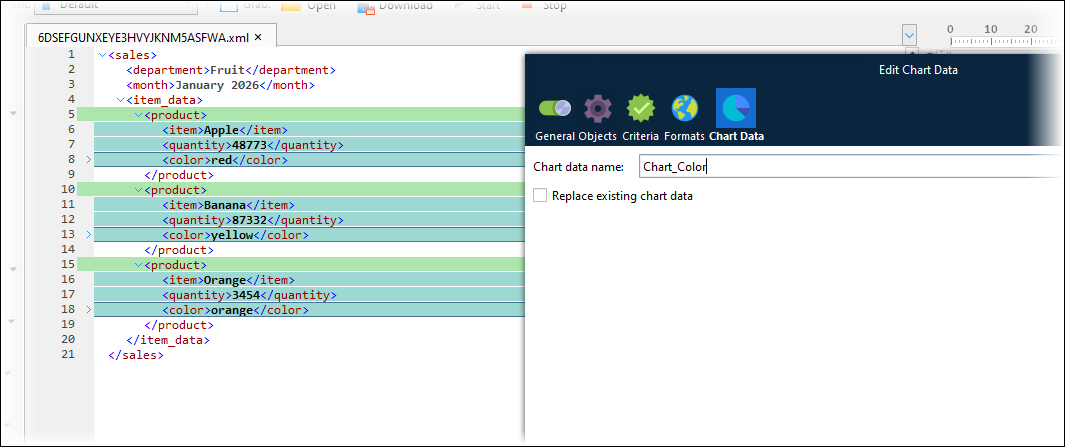
This feature enables values in the input data to control the color of chart items (such as pie chart segments).
Unlike index-based color assignment, which assigns colors to chart items based on the order of items in the input data, data-driven color assignment guarantees consistency of color assignment between output documents. If the incoming data consists of discrete line items that include color data, Lasernet Core can apply the specified color to each line item’s chart bar or segment.
Each line item can specify its own color value (for example, as a <color> element in the XML). Supported formats are SVG color names and hexadecimal RGB formats.
For more information, see EMF-Based Output > Color Assignment Based on Input Data in Add Charts to a Sheet.
.png)
Manage User Interface Improvements
The Manage user interface has been enhanced to increase ease of use.
Menu Navigation Structure and Page Structure
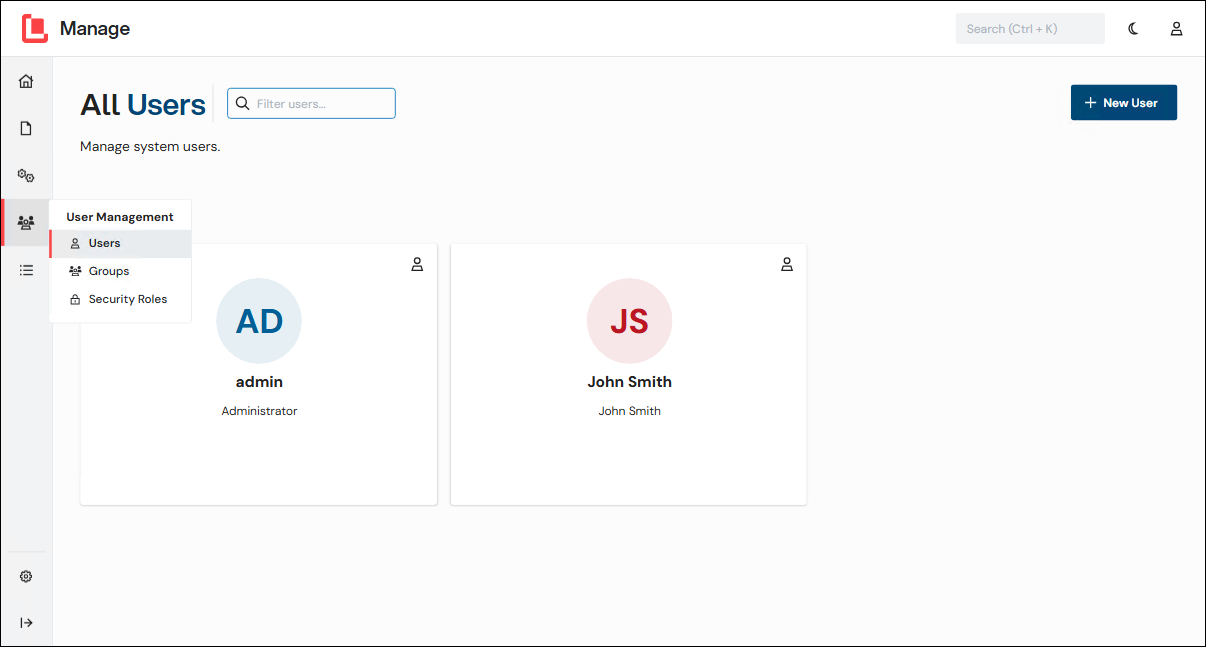
To increase usability, the menu navigation structure and the page structure in the Manage administration tool has been simplified. The application menu is easier to navigate, and each area of the application now has its own page instead of a tab on a shared page.
For example, the Users, Groups, and Security Roles pages are now all directly accessible from the User Management menu. Also, Users and Groups are now distinct pages in Manage.
Colors and Icons on the Logs page
Colored highlights and icons have been added to the Logs page to make Lasernet environment log data easier to read.
.png)
Other Improvements
The quick search bar is now in the header bar.

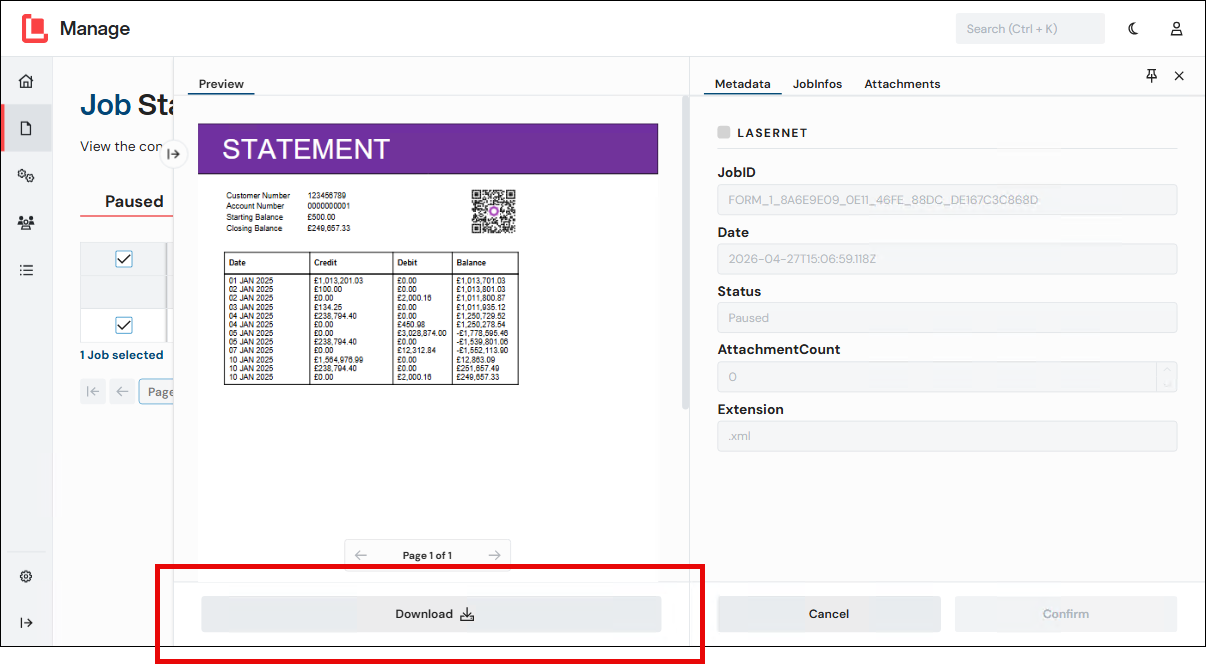
Action buttons are now provided under the document preview in the Job Details pane.