Introduction
- 05 Feb 2026
- 1 Minute to read
- Contributors


- Print
- PDF
Introduction
- Updated on 05 Feb 2026
- 1 Minute to read
- Contributors
- Print
- PDF
Article summary
Did you find this summary helpful?
Thank you for your feedback
Lasernet for Dynamics
Before the software is installed, it is important to understand what it is and how it is intended to be used. The Lasernet for Dynamics solution is comprised of two parts - Lasernet FO Connector and Lasernet.
Lasernet FO Connector is a tool installed within Finance and Operations that enables users to extract data from Finance and Operations in a format that Lasernet can work with—usually an XML file.
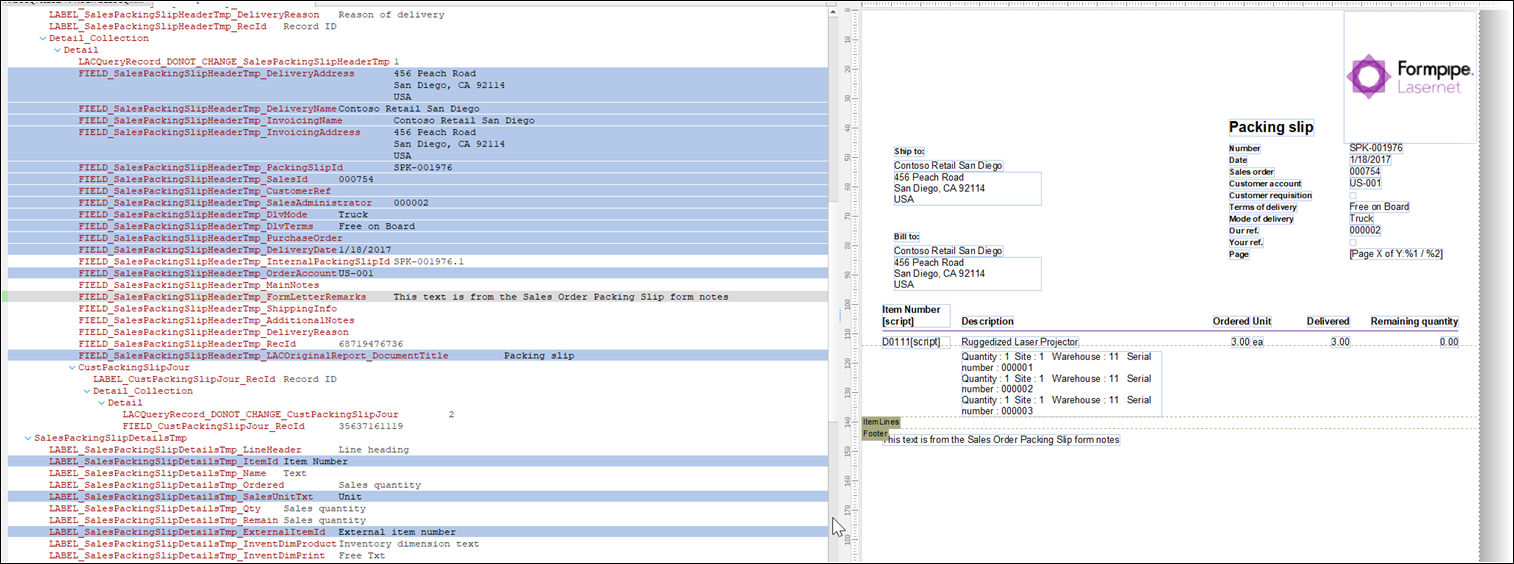
Lasernet is a tool that takes data, in this scenario, in XML format from FO, and converts it from a string of text into a business document with images, charts, tables, etc.
.png)
Figure 1: Simple architecture of Lasernet FO Connector to Lasernet.
When a user in FO clicks a button to run a report, Lasernet FO Connector extracts the relevant data from FO and sends it to Lasernet where Lasernet converts it into the report, which gets delivered to the user.
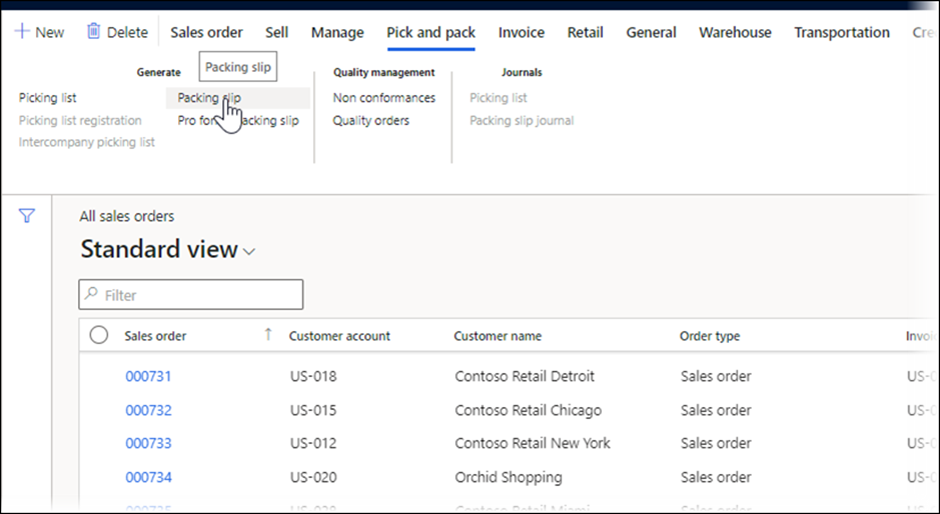
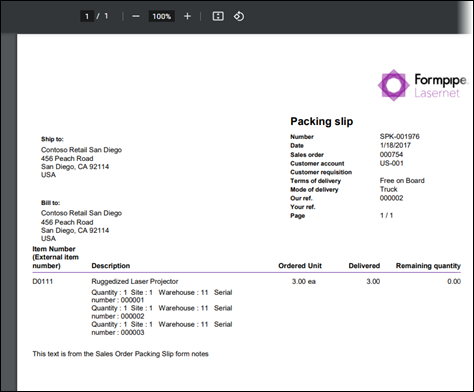
This is the process that the end user will experience. However, for the report to eventually be delivered to the screen, several steps are required:
Lasernet FO Connector identifies the correct report and, based on a query configured within the Lasernet Connector, generates an XML file containing all relevant data. That XML file looks as follows:
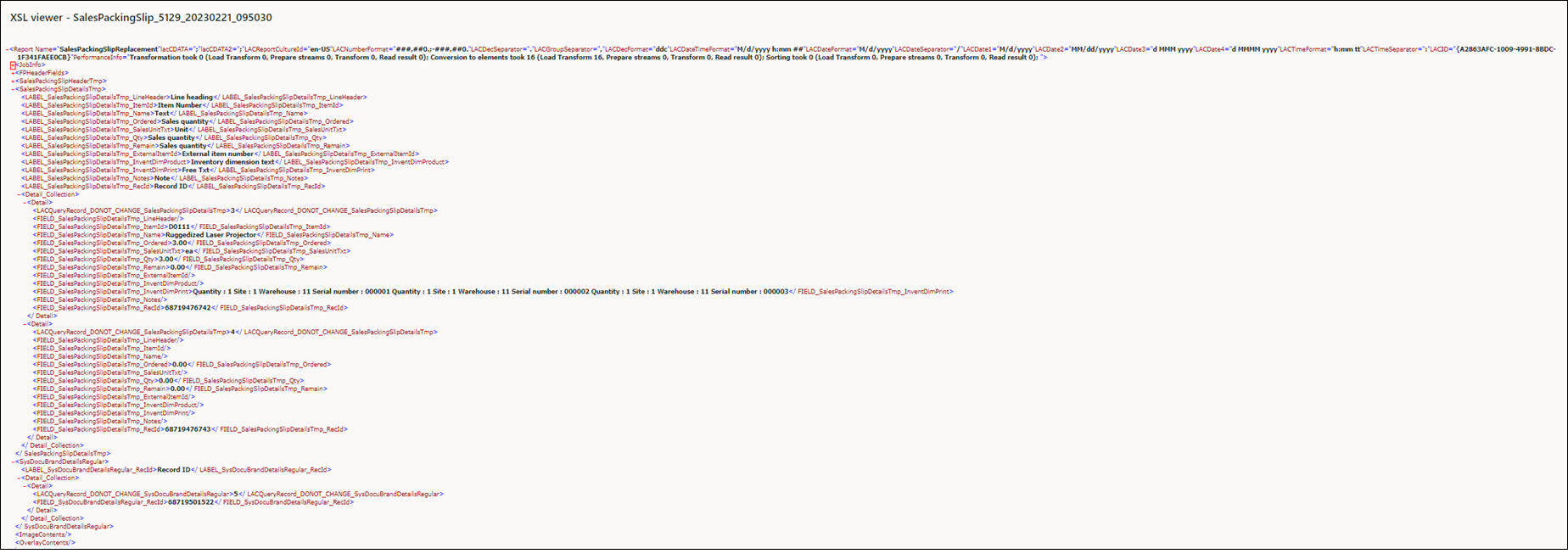
Lasernet FO Connector extracts the information from FO and translates it into a format that Lasernet can use to generate a report.
The XML file is sent as a message to Lasernet via Azure Service Bus, a secure, fast, and economical way for systems to communicate. The message is received by Lasernet, where it is converted from a string of text into a readable business document.