XML Merger
- 30 Jan 2026
- 1 Minute to read
- Contributors

- Print
- PDF
XML Merger
- Updated on 30 Jan 2026
- 1 Minute to read
- Contributors
- Print
- PDF
Article summary
Did you find this summary helpful?
Thank you for your feedback
Applies to: Lasernet Core 11
The XML Merger engine can merge two or more similar XML documents into one.
The JobData JobInfo will contain the data for all the combined jobs. It will be attached to the JobInfos that were created in the first job. JobInfos for all other jobs expect that the first job will be deleted.
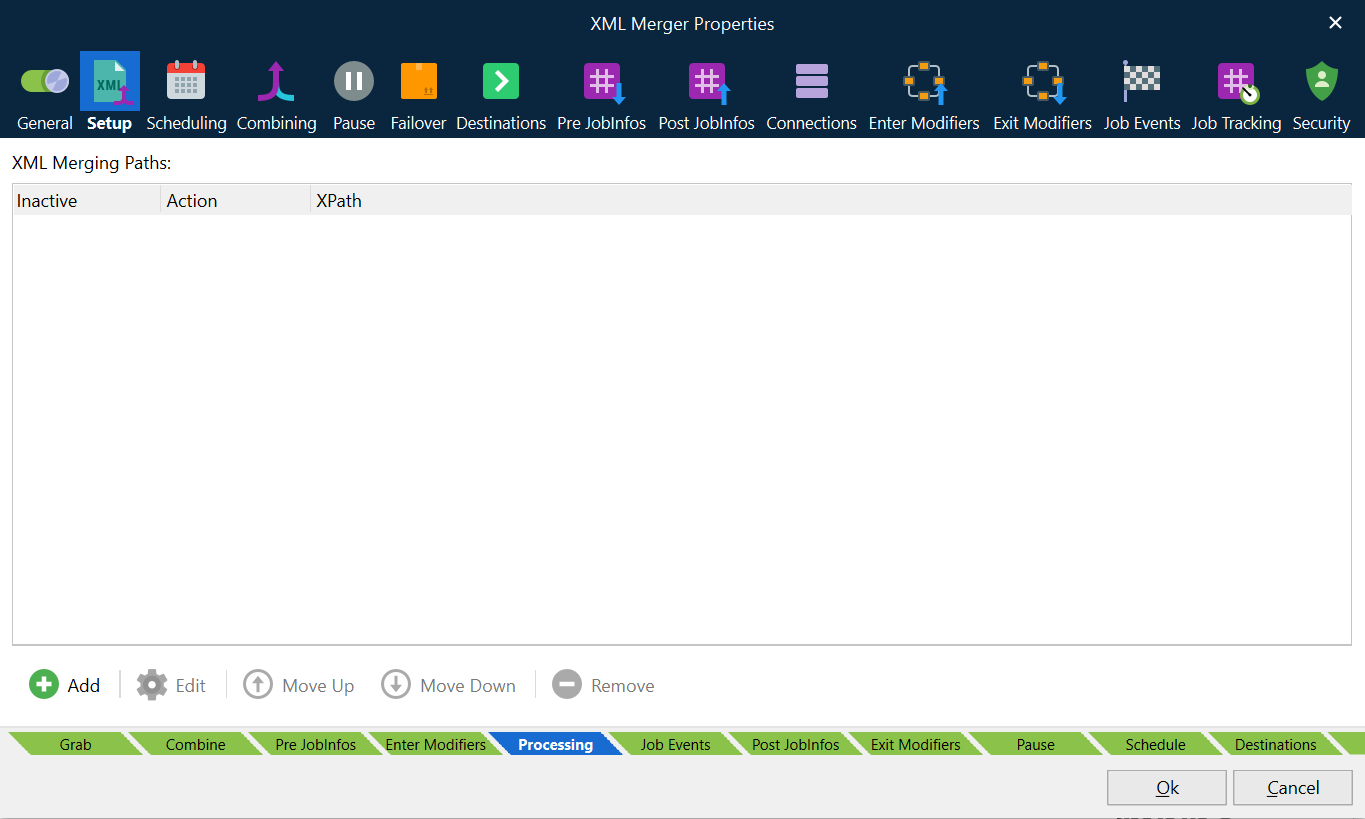
The first XML is the template for the output XML. It contains all data as well as the data merged from the other XMLs or inserted from the last XML.
The combining rules determine which XMLs are merged.
Actions
Merge: Taken from all documents in the batch.
Last Job: Taken from the last document in the batch.
Example
In this example, we have an output structure, which will use the first XML, plus all body/lines from additional XMLs and finally the header/tag3 and footer/total from the Last XML.
JobData in job no. 1:
<root>
    <header>
        <tag1>1</tag1>
        <tag2>1</tag2>
        <tag3>1</tag3>
    </header>
    <body>
        <line>1</line>
    </body>
    <footer>
        <total>1</total>
    </footer>
</root>
JobData in job no. 2:
<root>
    <header>
        <tag1>2</tag1>
        <tag2>2</tag2>
        <tag3>2</tag3>
    </header>
    <body>
        <line>2</line>
    </body>
    <footer>
        <total>2</total>
    </footer>
</root>
JobData in job no. 3:
<root>
    <header>
        <tag1>3</tag1>
        <tag2>3</tag2>
        <tag3>3</tag3>
    </header>
    <body>
        <line>3</line>
    </body>
    <footer>
        <total>3</total>
    </footer>
</root>
Our resulting XML will look like this (without the comments):
<root>
    <header>
        <tag1>1</tag1>    //generated from JobData1
        <tag2>1</tag2>    //generated from JobData1
        <tag3>3</tag3>    //generated from JobData3
    </header>
    <body>
        <line>1</line>    //generated from JobData1
        <line>2</line>    //generated from JobData2
        <line>3</line>    //generated from JobData3
    </body>
    <footer>
        <total>3</total>  //generated from JobData3
    </footer>
</root>
Combining
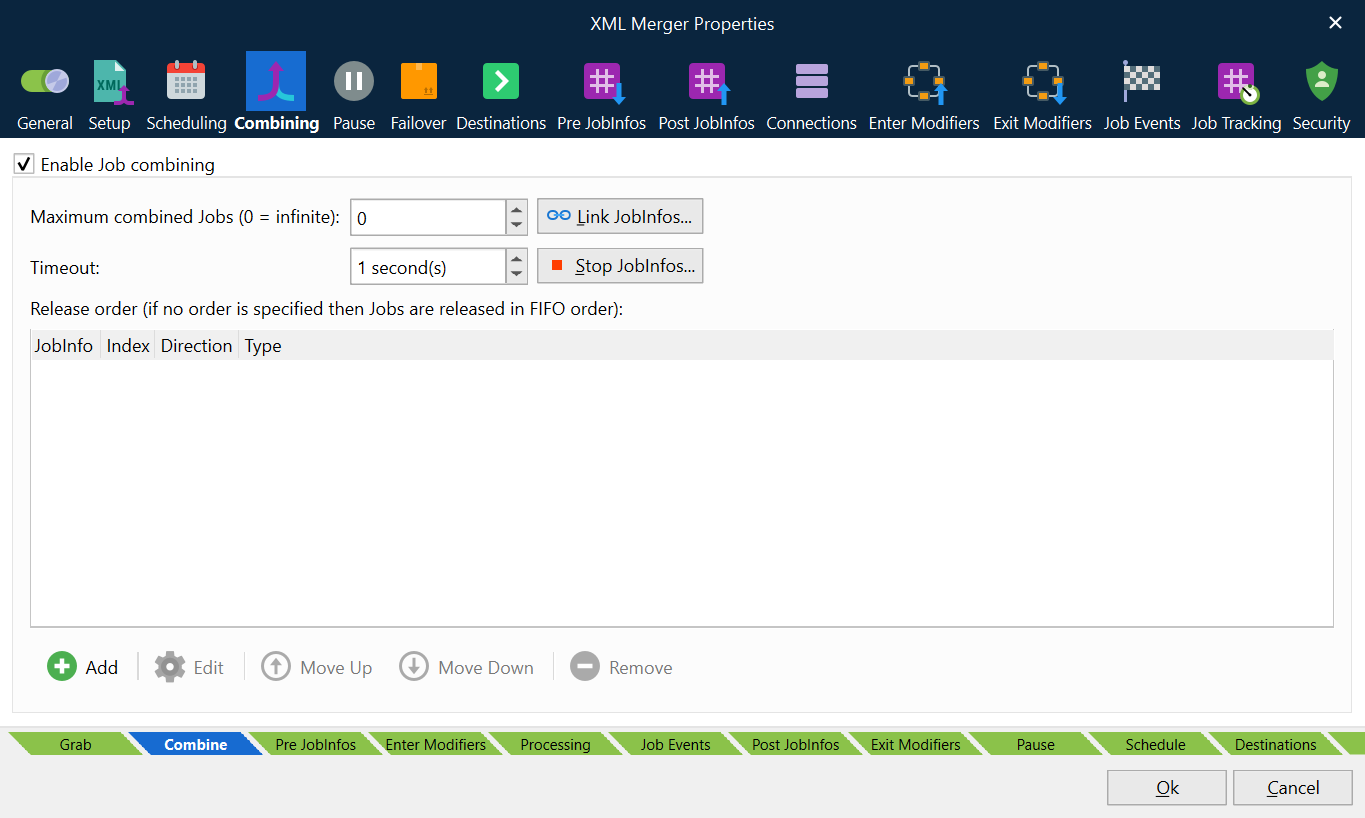
The Enable Job combining box must be activated on the Combining tab (in the XML Merger module), to make use of the action rules defining how the XML data will be merged. For more information about combiner settings, see Combining Jobs.