
What Is a Modifier?
- 14 Apr 2026
- 1 Minute to read
- Contributors

- Print
- PDF
What Is a Modifier?
- Updated on 14 Apr 2026
- 1 Minute to read
- Contributors
- Print
- PDF
Article summary
Did you find this summary helpful?
Thank you for your feedback
Applies to: Lasernet Core 11
Modifiers are small components that can modify the content of a JobInfo. The most common JobInfo to modify is JobData, which carries the data of the job being processed by the Job Engine.
Modifiers can run:
On the enter or exit side of Lasernet Core modules (see the Enter Modifiers and Exit Modifier tabs in a module’s Properties window).
In the Form Engine.
In the XML Transformer.
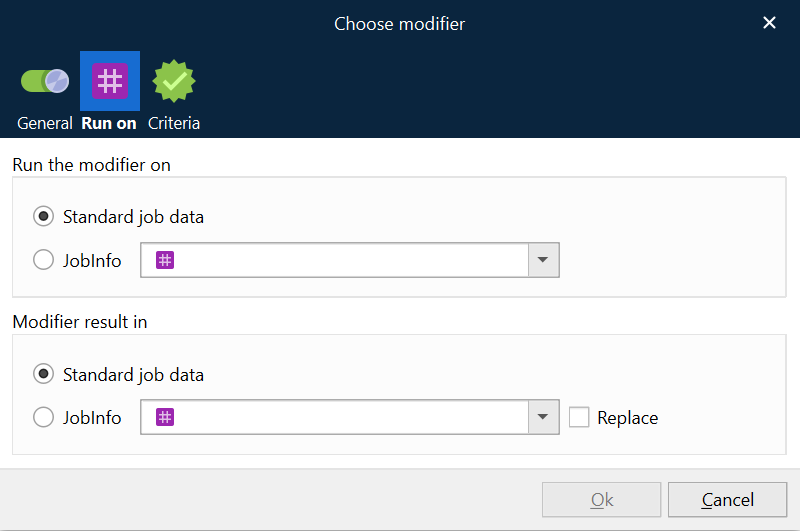
When you choose a modifier, click the Run on tab to decide whether to run the modifier on JobData (default) or run the modifier on a user-defined JobInfo. The modified result can be assigned to JobData (default) or a user-defined JobInfo.
Modifiers are categorized into the following groups:
Authentication
Communication
Conversion
Enrichment
Miscellaneous
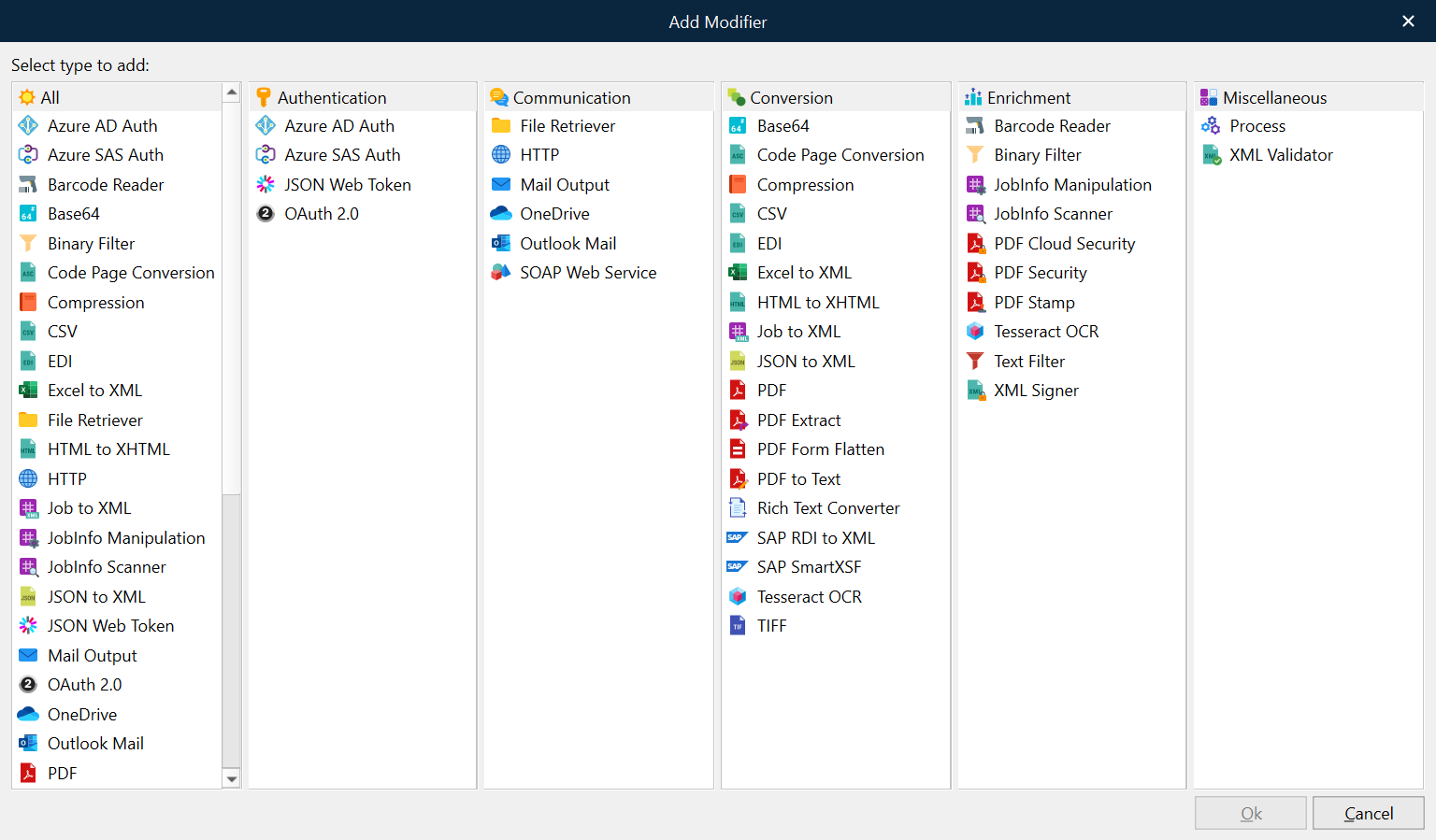
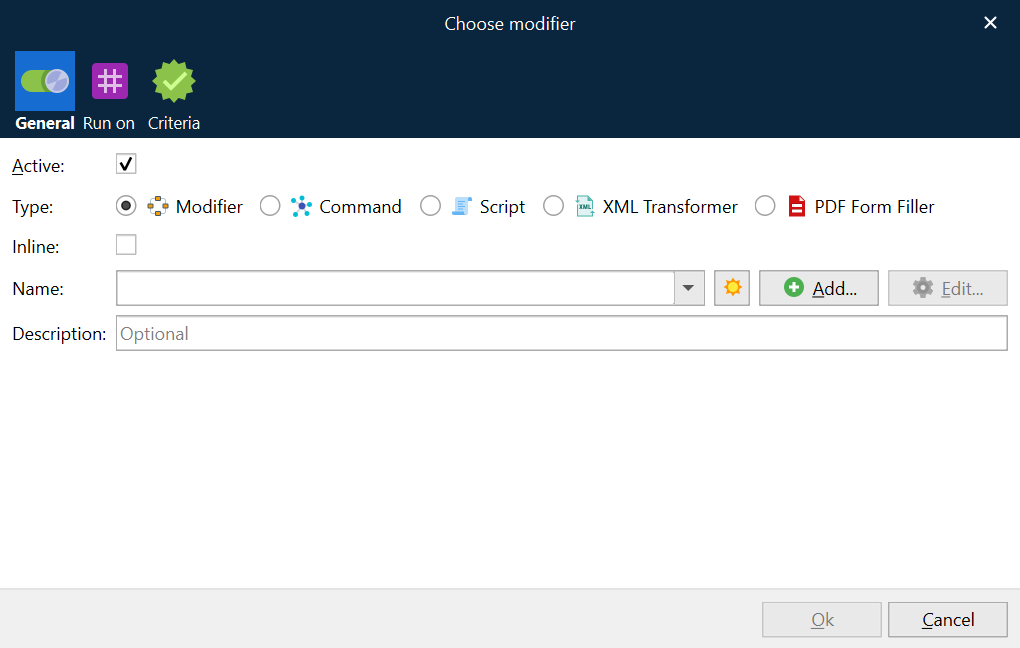
To access this list, click Modifier (in the Type row) in the Choose Modifier window, and then click Add.
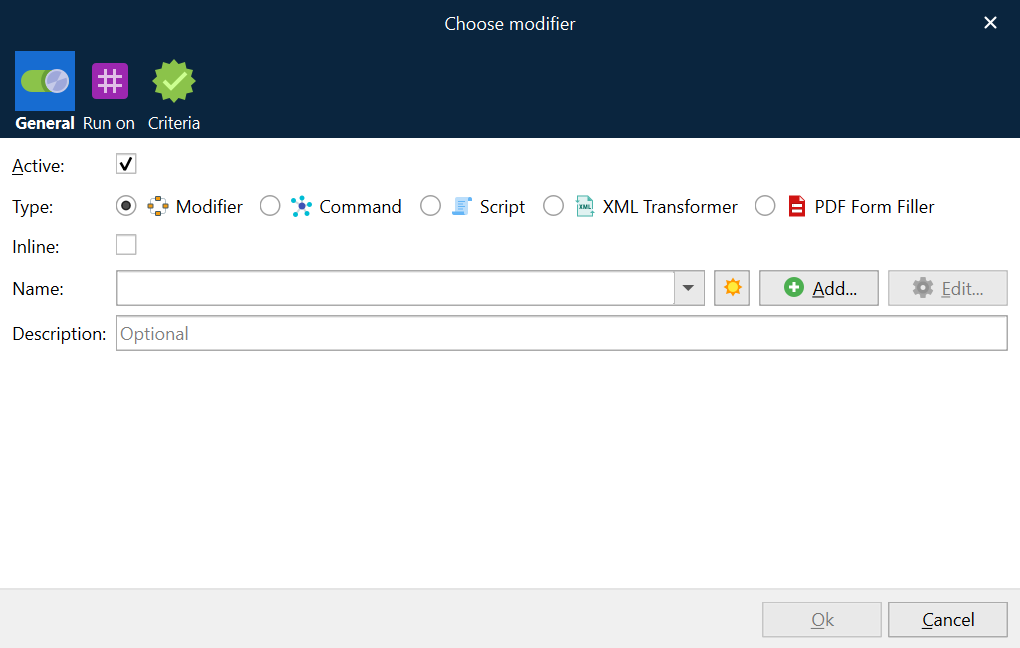
You can also run other type of objects at the modifier event point.
Commands
Scripts
XML transformers
PDF form fillers
Important
If a modifier does not run successfully, the Lasernet Core job engine generates a failed job. Previous Lasernet versions generated only a JobInfo error message in this scenario. A modifier event will fail in situations such as authentication failure, failure of communication to an endpoint or database look-up, conversion error, scripting error, an XML Transformer error, and so on.