
What Alternatives to Publisher Can I Use to Design Fixed Overlays for Lasernet Forms?
- 05 Mar 2026
- 1 Minute to read
- Contributors


- Print
- PDF
What Alternatives to Publisher Can I Use to Design Fixed Overlays for Lasernet Forms?
- Updated on 05 Mar 2026
- 1 Minute to read
- Contributors
- Print
- PDF
Article summary
Did you find this summary helpful?
Thank you for your feedback
Earlier this year, Microsoft announced that Microsoft Publisher will reach its end of life in October 2026. After that time, it will no longer be included in Microsoft 365, and existing on-premises suites will no longer be supported. Microsoft 365 subscribers will no longer be able to open or edit Publisher files in MS Publisher. Until then, support for Publisher will continue, and users can expect the same experience as today. However, we recommend that you start exploring alternative ways to design fixed overlays for your forms.
The following are our recommendations:
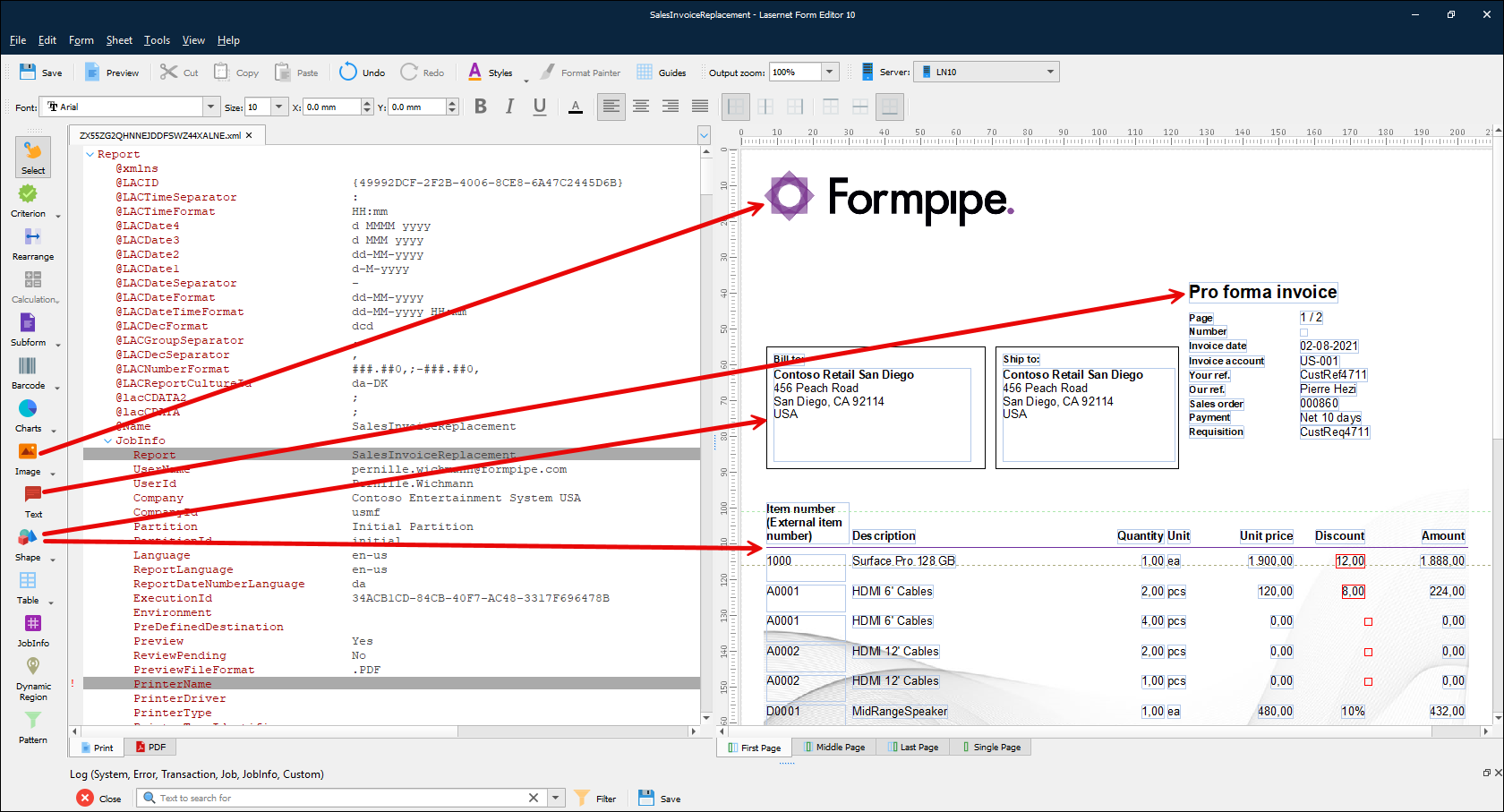
Avoid using overlays altogether and use Lasernet’s built-in shape, image, and text tools to design your overlays instead. This method has several advantages, including smaller PDF sizes and notably faster processing of larger document batches.
Use the Microsoft-recommended solution to convert the MS Publisher file to PDF and then import it into MS Word. Print from MS Word to the overlay capture to create your overlay. Maintain the design in MS Word from now on.
Note
Although this is the method that Microsoft recommends, we have run some tests on various Publisher files and have found that it requires a significant amount of formatting work to be performed, which can be time-consuming and frustrating.
Use a third-party conversion tool, such as this one, to convert directly from Publisher to another file type.
Note
Lasernet will not be responsible for the size, quality, or editability of documents produced using this method. If you encounter problems using this method and contact us, our default recommendation would be to use method 1, mentioned above.
How to Get Support
If you encounter difficulty using Lasernet, contact Lasernet Support.