
Use Lasernet Scripting
- 30 Jan 2026
- 1 Minute to read
- Contributors

- Print
- PDF
Use Lasernet Scripting
- Updated on 30 Jan 2026
- 1 Minute to read
- Contributors
- Print
- PDF
Article summary
Did you find this summary helpful?
Thank you for your feedback
Applies to: Lasernet 11
Lasernet contains a scripting framework that can be used to add advanced functionality.
You can use scripts to develop and extend any aspect of your Lasernet solution, including performing checksum calculations, implementing conditional overlays, and conditional printer profiles.
Lasernet Developer contains a script editor that provides functionality for maintaining your own scripts. You access the script editor by creating a new script or opening an existing one.
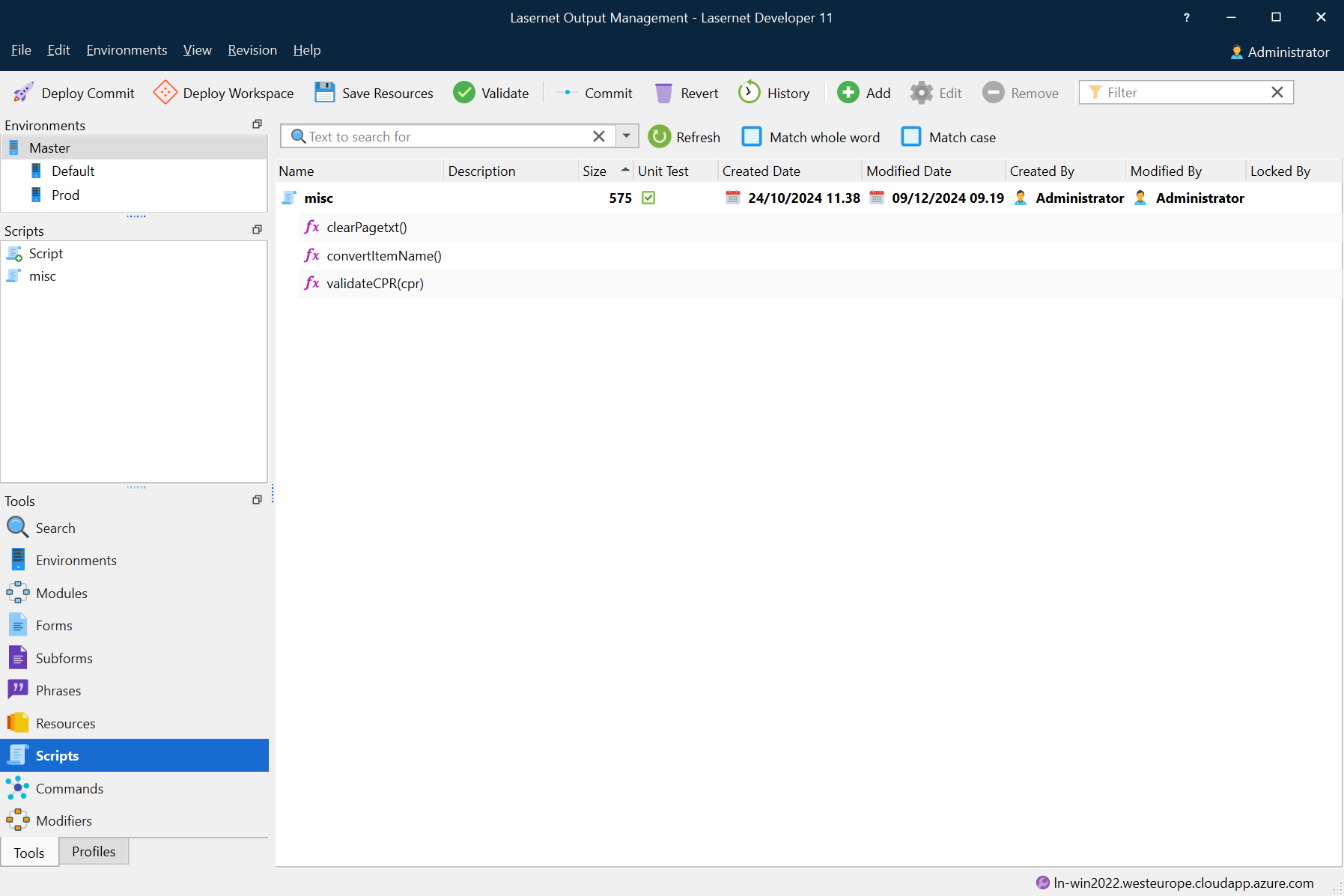
Create or Edit a Script
To create a new script, click Add in the toolbar or right-click in the main area of the window then select Add.
To open an existing script, right-click it and select Edit, or double-click it.
The Script Editor
Lasernet Developer includes a basic script editor. 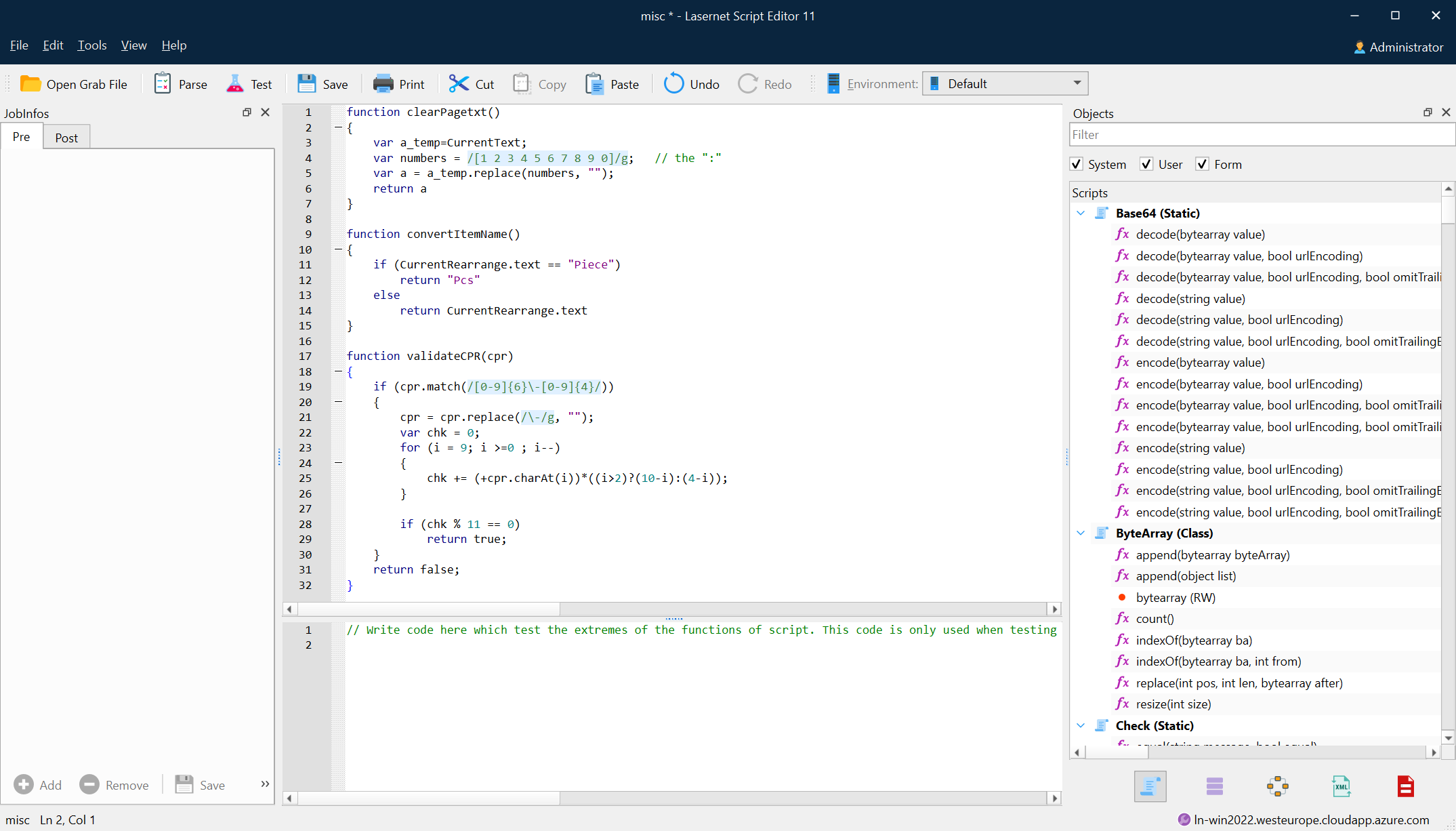
The editor supports the development of your script by providing you with features for efficiently writing and editing code:
Language awareness, automatic recognition of keywords.
Code hints for fast addition of Lasernet functions.
Parsing, for easy testing and debugging of your script.
Indentation guides, for easier overview of the script structure.
Undo and redo.
Lasernet Scripting Guide
The Lasernet Scripting Guide provides additional information about the script editor and describes common scripting use cases. It also provides a reference to the Lasernet Scripting API.