Troubleshoot the Missing JobInfo Section in the XML
- 19 Feb 2026
- 1 Minute to read
- Contributors

- Print
- PDF
Troubleshoot the Missing JobInfo Section in the XML
- Updated on 19 Feb 2026
- 1 Minute to read
- Contributors
- Print
- PDF
Article summary
Did you find this summary helpful?
Thank you for your feedback
This article describes how to troubleshoot if the JobInfo section is missing within the XML.
The JobInfo section of the XML is created by Lasernet FO Connector, and it provides important information about the job that can be used by Lasernet Developer to process the job correctly. Some of this information includes the report name, destinCtion type, file format, and language. The JobInfo section is generated by Lasernet FO Connector based on various report settings within the connector.
If the JobInfo section is missing from the XML, the report may not be properly processed. A missing JobInfo section may occur if a valid Lasernet destination is not found.
To troubleshoot this issue, follow these steps:
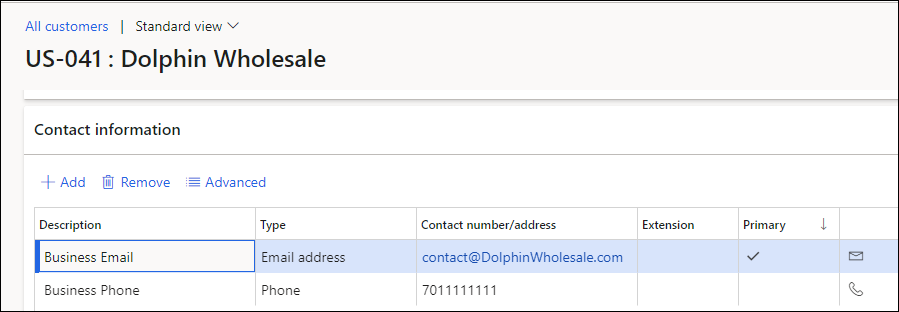
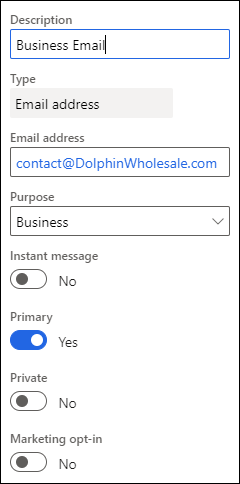
Verify that the record you are printing has a valid destination. For example, if sending an email, verify that the account has an email associated with it.
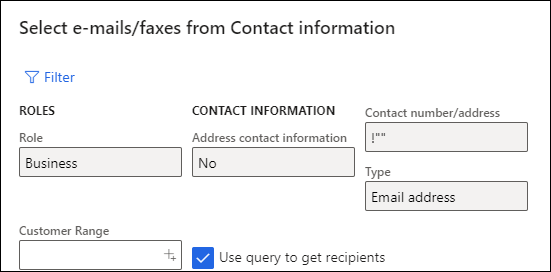
If using a dynamic To email address that checks for certain criteria, verify that the account has an email address that meets all the required criteria.
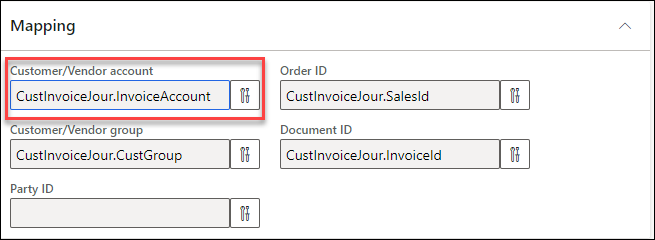
If using Predefined Destinations, verify that the report’s Mapping is configured.
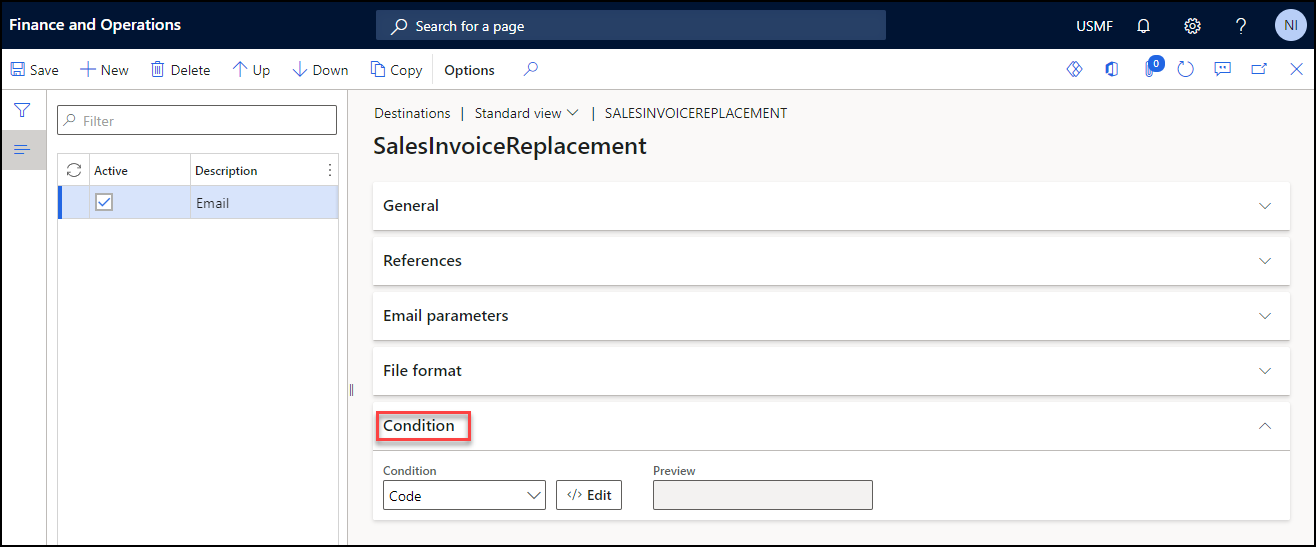
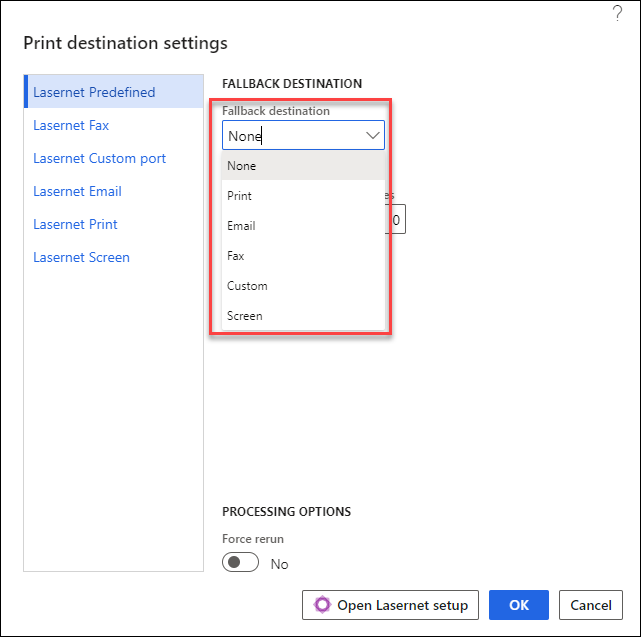
If using Predefined Destinations with conditions, verify that the job meets the criteria for at least one of the destinations or ensure a fallback destination is selected when printing the report.