SharePoint Commands
- 16 Apr 2026
- 2 Minutes to read
- Contributors

- Print
- PDF
SharePoint Commands
- Updated on 16 Apr 2026
- 2 Minutes to read
- Contributors
- Print
- PDF
Article summary
Did you find this summary helpful?
Thank you for your feedback
Applies to: Lasernet Core 11
SharePoint Commands can be inserted at modifier event points and provide the following capabilities:
Insert new documents with metadata
Update metadata on existing documents or folders
Create new folders
Delete documents or folders along with all documents in the folders
Check in documents (not supported by Graph API)
Check out documents (not supported by Graph API)
Discard check outs (not supported by Graph API)
New document library (not supported by Graph API)
New subsite (not supported by Graph API)
The command reference information below describes each available SharePoint command and its purpose.
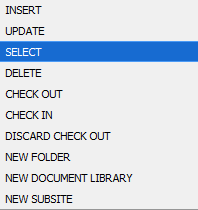
There are ten different command types for REST API but only five for Graph API. They will be listed in the following sections.
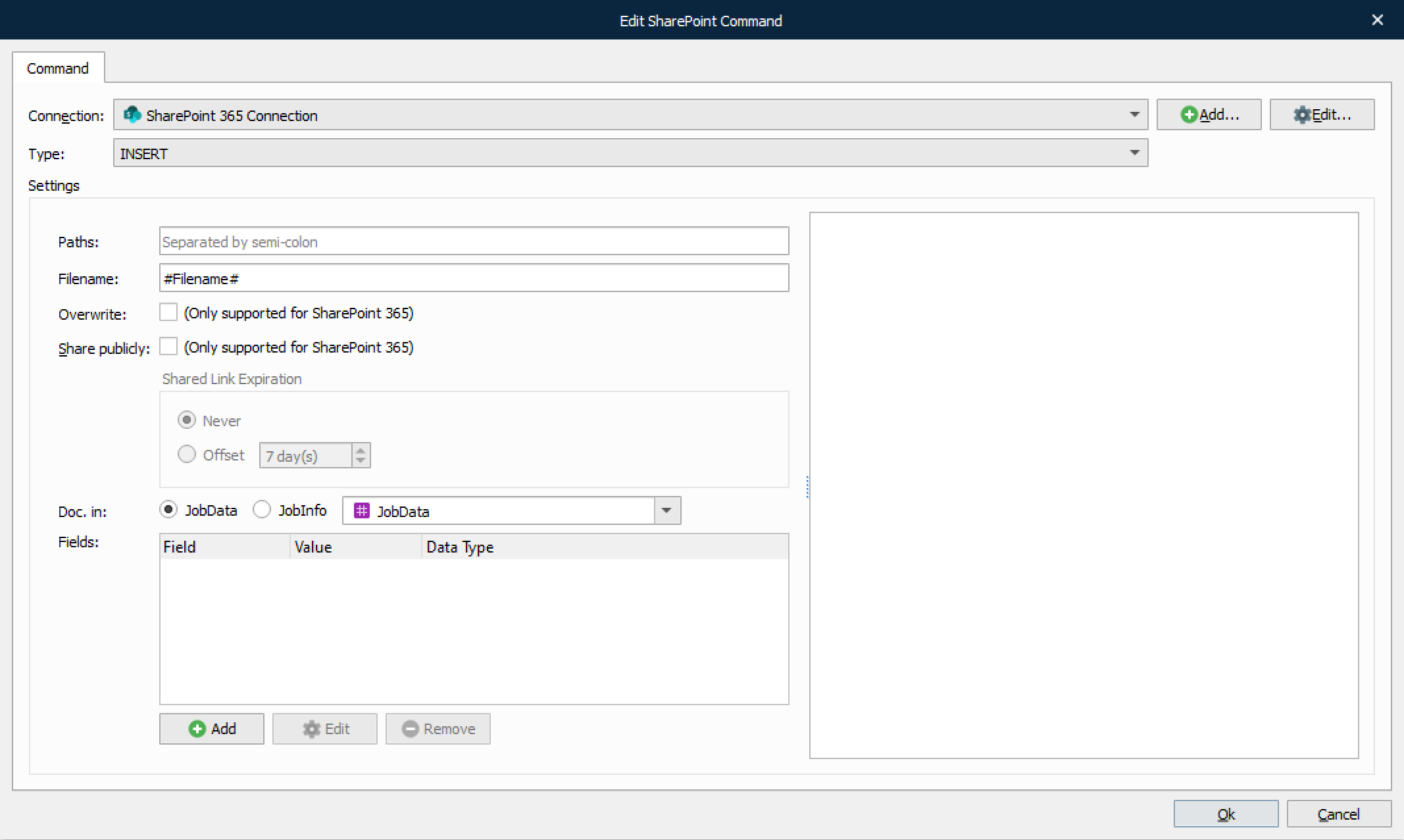
INSERT and UPDATE
These command types work exactly like the SharePoint output module but are split in two different command types.
Setting | Description |
|---|---|
Overwrite | Select the checkbox to allow an Insert command to overwrite an existing document.
|
Share publicly | Select the checkbox to share the inserted file publicly with or without shared link expiration. The offset can be set from 1 to 999 days, where 7 is the default value.
|
Doc. in | Describes where Lasernet Core should read the document data.
|
Fields | SharePoint documents can contain a lot of metadata, so it is possible to choose which fields should be stored, and in which JobInfos, in Lasernet Core. |

SELECT
This command type is used to retrieve documents or metadata.
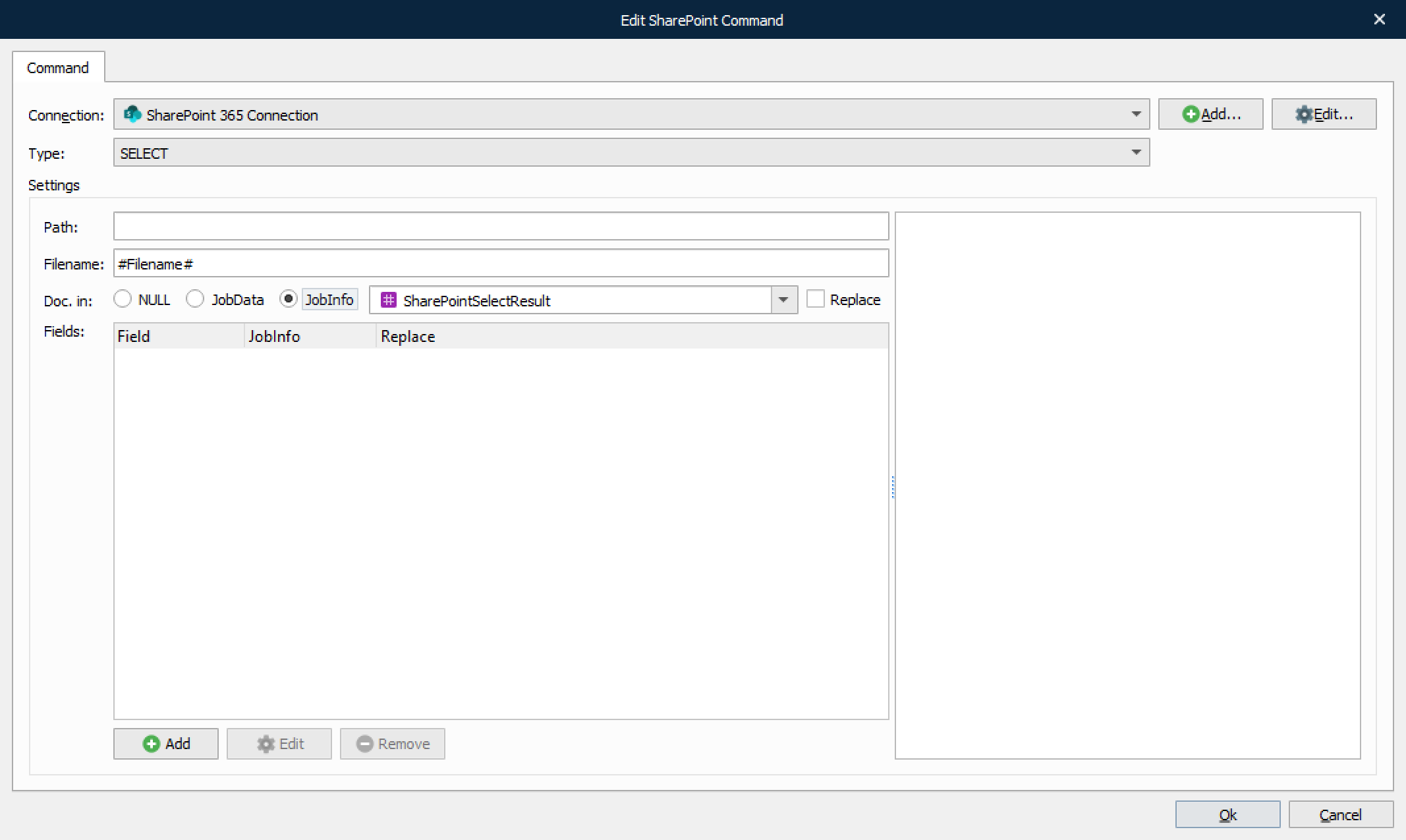
Setting | Description |
|---|---|
Doc. in | Describes where Lasernet Core should store the actual document data
|
Fields | SharePoint documents can contain a lot of metadata, so it is possible to choose which fields should be stored, and in which JobInfos, in Lasernet Core. |
DELETE
This command type is used to delete specific documents or entire folders of documents.
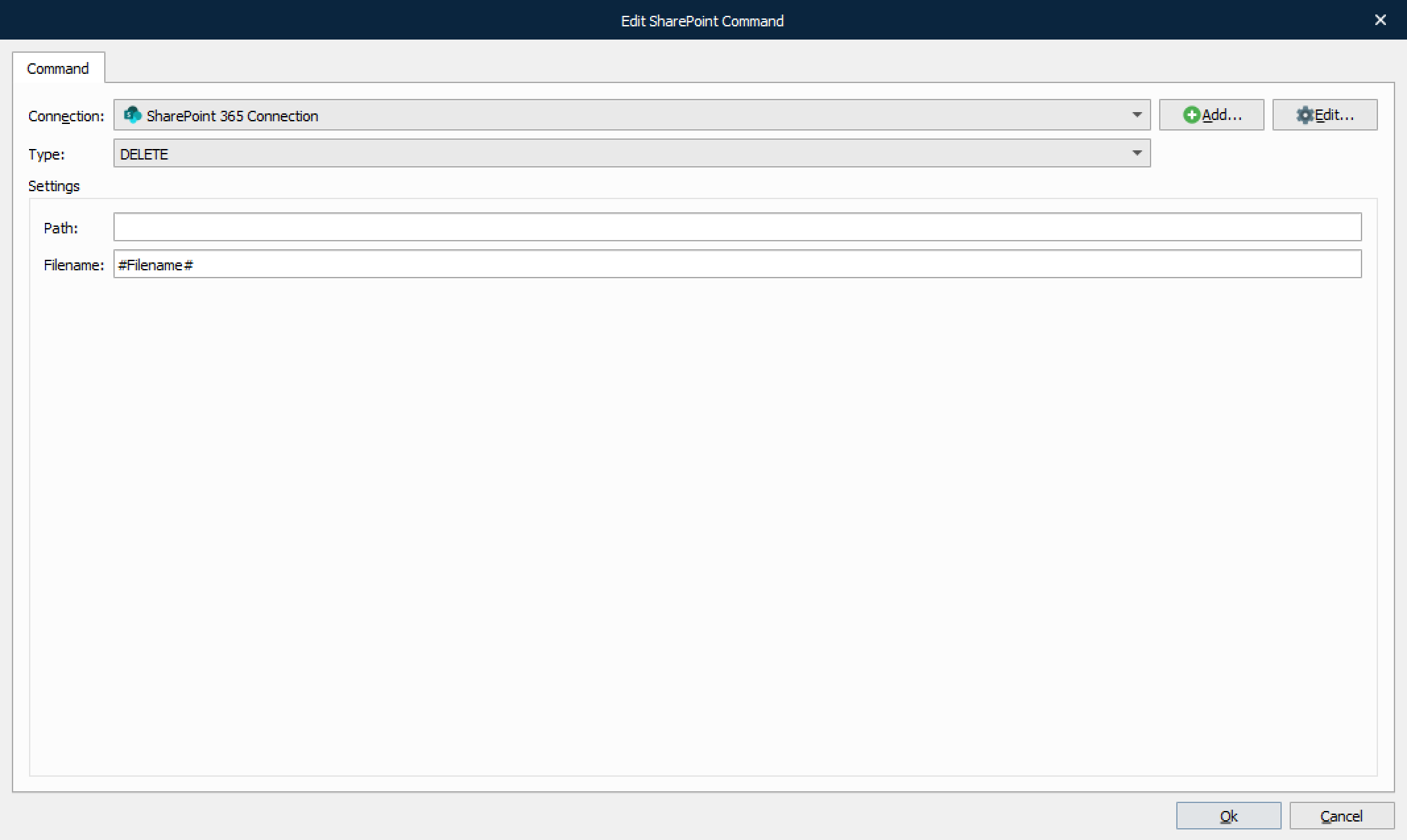
If no filename is specified, the folder specified by the Path setting will be deleted.
CHECK OUT
This command is used for checking out documents for editing.
Note
This command type is not supported by Graph API.
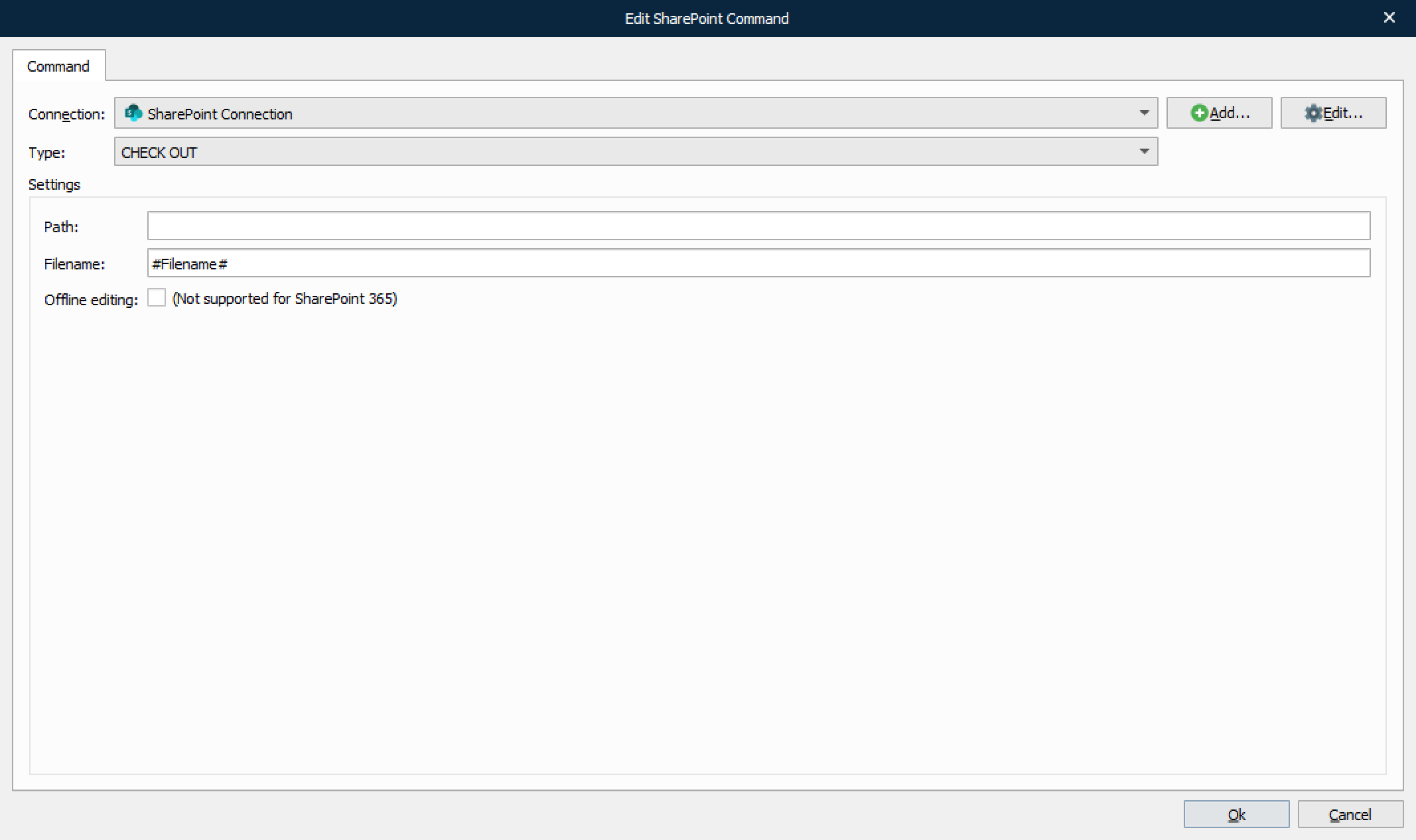
Offline editing is used to edit documents when you are not connected to the SharePoint server.
CHECK IN
This command type is used for checking in documents that were previously checked out.
Note
This command type is not supported by Graph API.
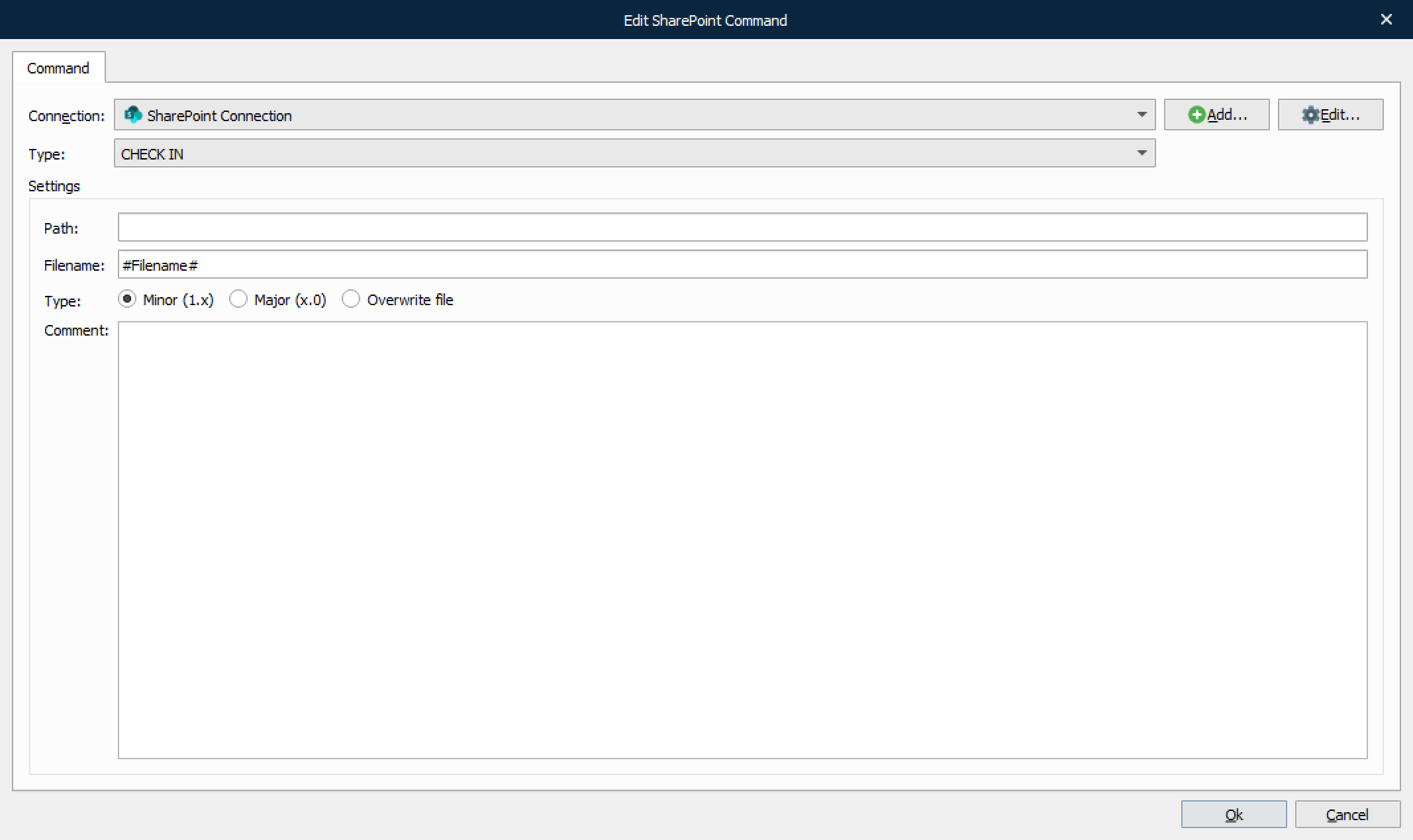
Setting | Description |
|---|---|
Type | When checking in documents it is possible to update revision number of the document in three ways (if enabled in SharePoint).
|
Comment | Optional comment for check in. |
DISCARD CHECK OUT
This command type is used to rollback any changes done since the document was checked out.
Note
This command type is not supported by Graph API.
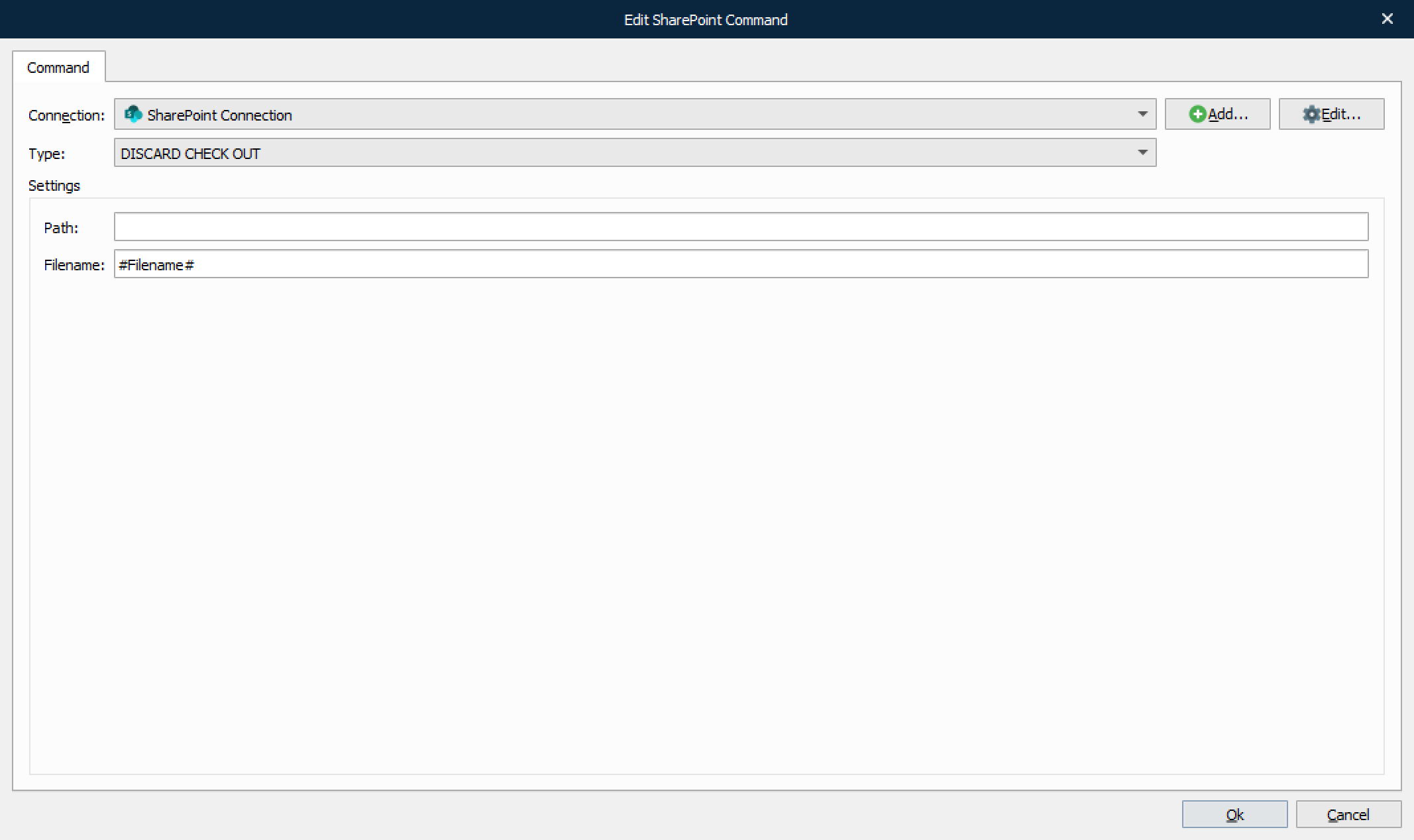
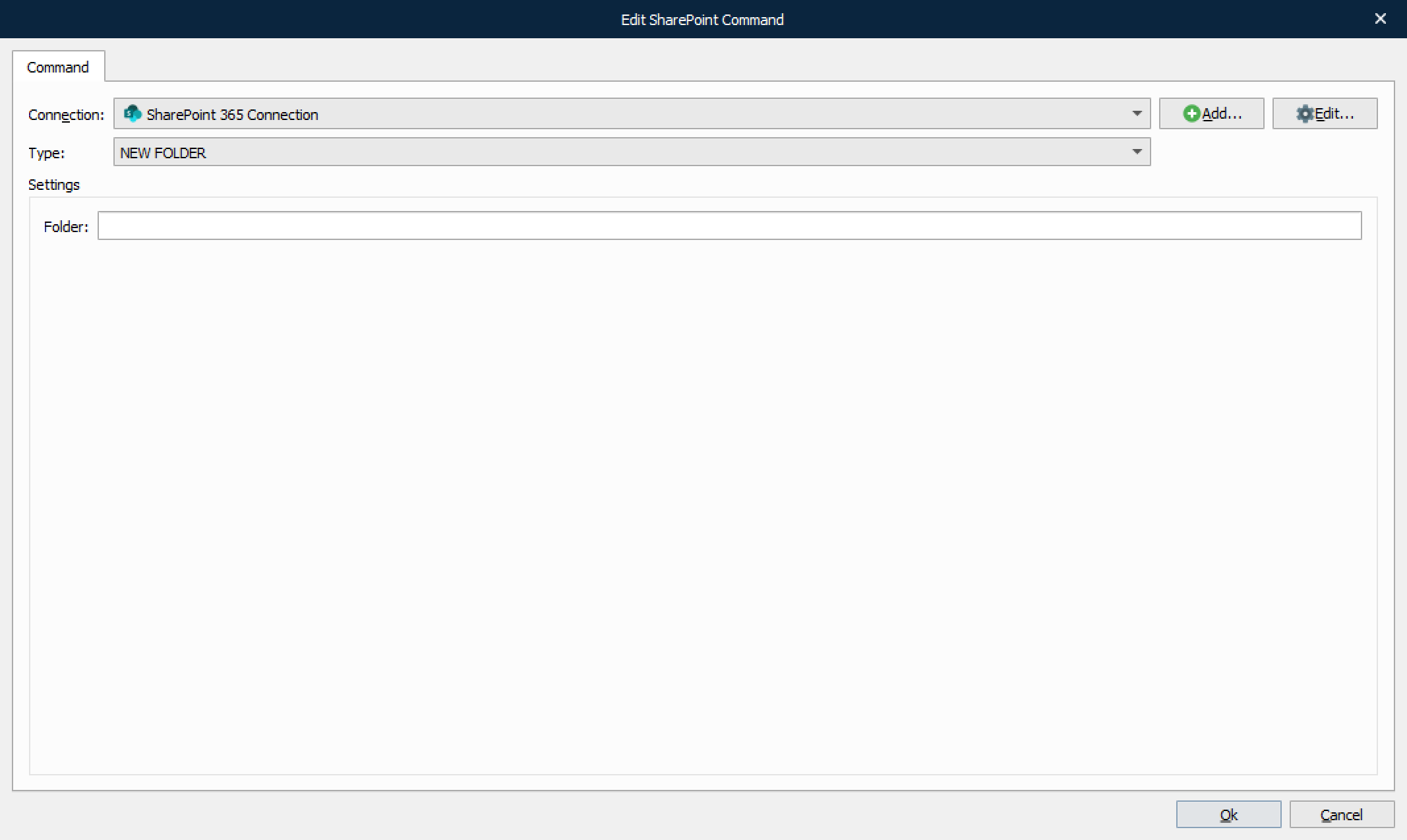
NEW FOLDER
This command type is used to create a new folder in the document library.
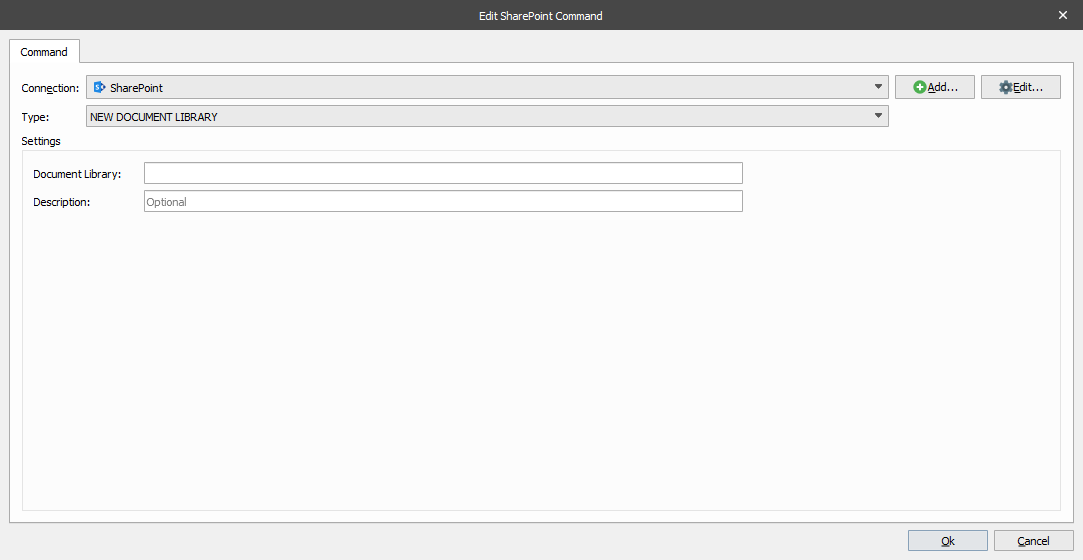
NEW DOCUMENT LIBRARY
This command type is used to create a new document library
Note
This command type is not supported by Graph API.
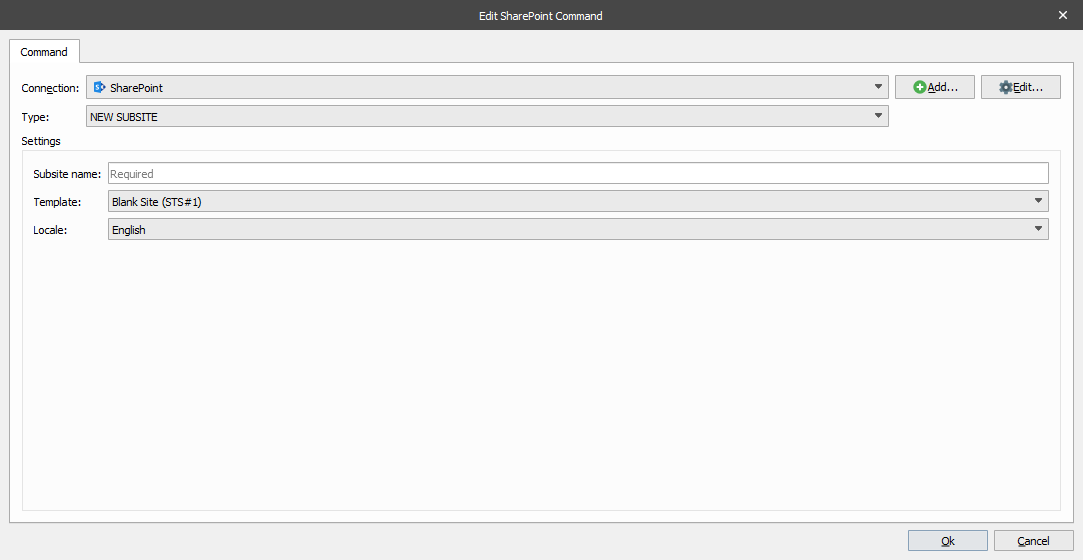
NEW SUBSITE
This command type is used to create a new subsite.
Note
This command type is not supported by Graph API.
Note
This command type is not supported by REST interface (SharePoint 365).