Rename a Configuration
- 16 Apr 2026
- 1 Minute to read
- Contributors


- Print
- PDF
Rename a Configuration
- Updated on 16 Apr 2026
- 1 Minute to read
- Contributors
- Print
- PDF
Article summary
Did you find this summary helpful?
Thank you for your feedback
Applies to: Lasernet Core 11
You can rename a configuration in Manage, the Lasernet Config web app, or Lasernet Developer.
Note
For Lasernet Core 10 documentation on this subject, see the Lasernet Config Server and Deployment Guide and Lasernet Developer Guide.
Manage
In the side menu, click System Configuration.
Click the Configurations tab.
Click the tile of the configuration that you want to rename.
Change the configuration’s Name.
Click Confirm.
.png)
Lasernet Config Web App
Note
The Lasernet Config web app was provided with earlier versions of Lasernet Core. It is a legacy web app and will be deprecated in a future version of Lasernet Core.
Expand for information
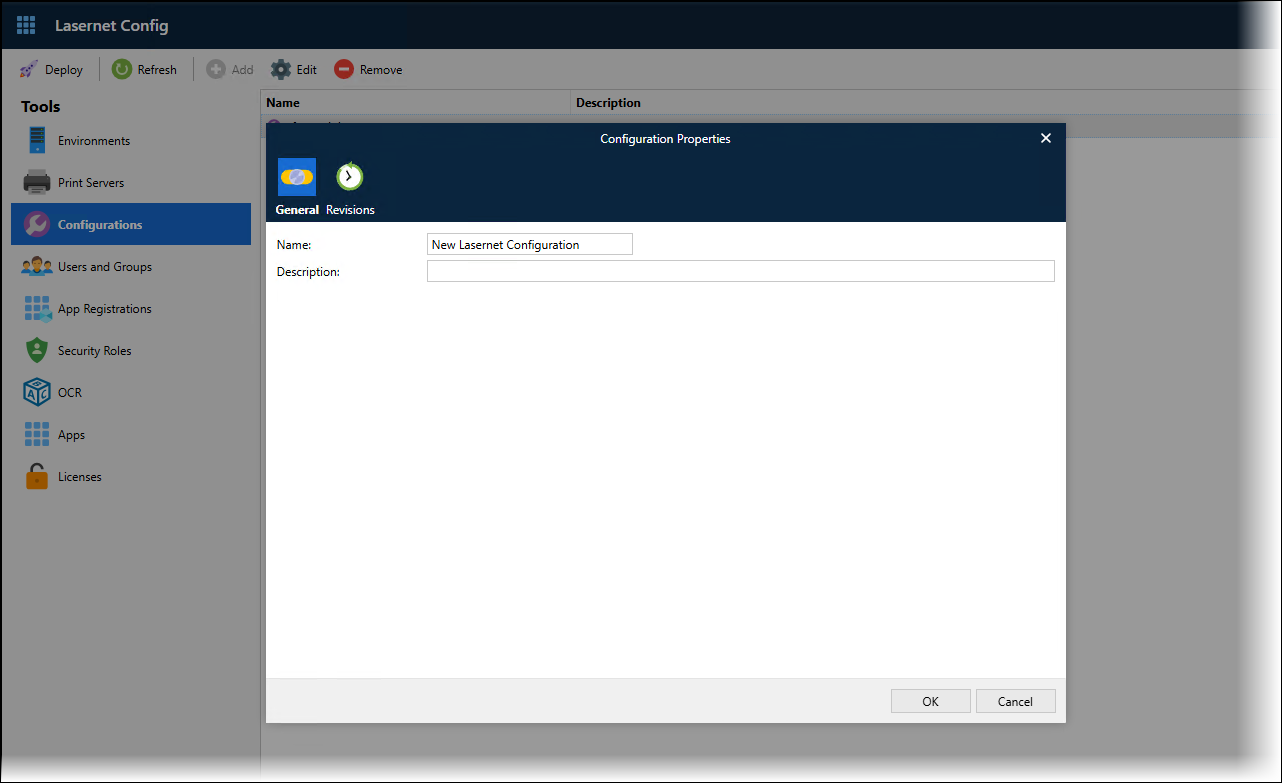
In the Tools menu, click Configurations.
Click a configuration in the table, then click Edit in the toolbar.
In the Configuration Properties window, change the Name on the General tab.
Click OK.
Lasernet Developer
In the Windows Start menu, click Lasernet Developer 11 > Lasernet Developer 11.
Select a Config Server to connect to, then click Connect.
Log in to that Config Server.
On the Start page, click Open configuration.
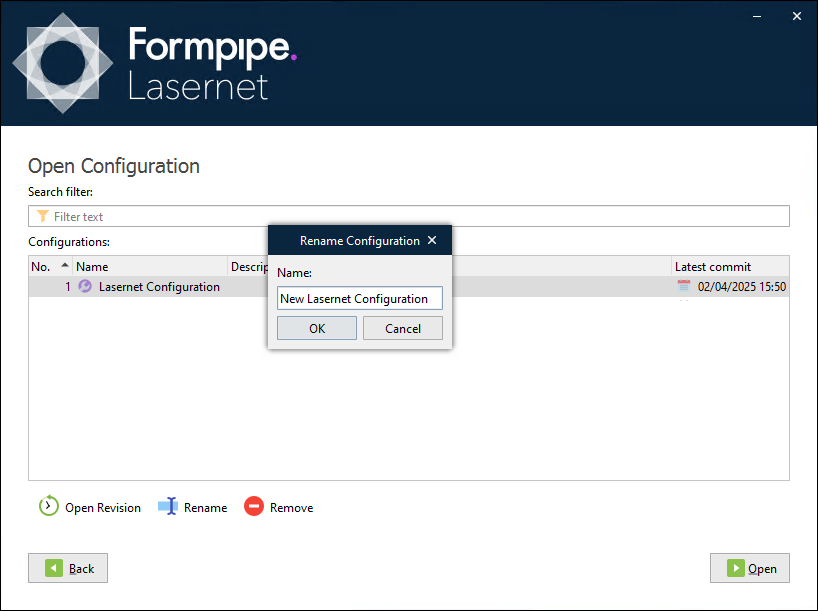
Select the configuration in the Configurations list, and then click Rename (below the configuration list).
In the Rename Configuration window, enter a new name for the configuration.
Click OK.