
Printer Input
- 13 Apr 2026
- 3 Minutes to read
- Contributors

- Print
- PDF
Printer Input
- Updated on 13 Apr 2026
- 3 Minutes to read
- Contributors
- Print
- PDF
Article summary
Did you find this summary helpful?
Thank you for your feedback
Applies to: Lasernet Core 11
Used for receiving print from the Microsoft Windows spooler system.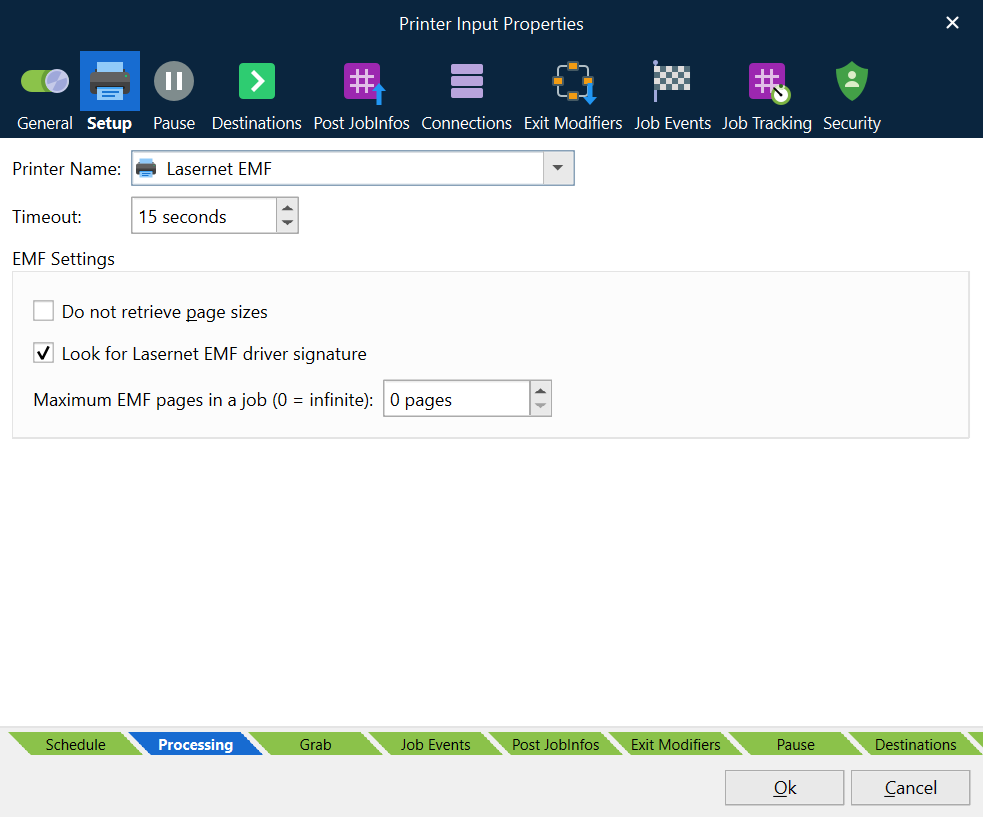
The logical name of the Print Input module is displayed on the printer port list for a Windows printer:
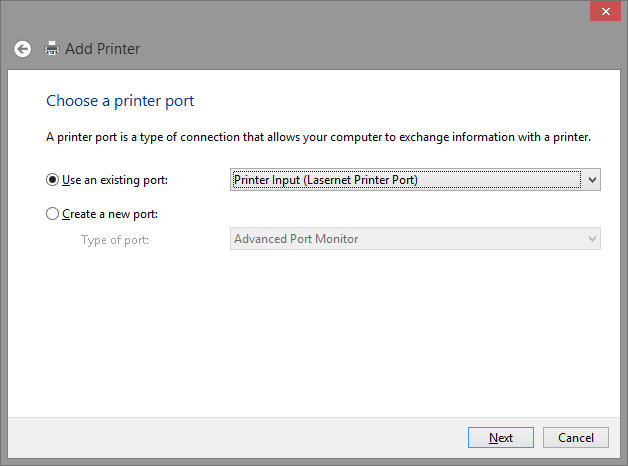
Changing the Printer Name will not immediately update the port list in Windows. The list will be updated next time the configuration is transferred to the Lasernet Core Service. Lasernet Core Printer Ports that are not in use will automatically be deleted from the printer port list.
Printer Setup
In the Printer Setup tab, you can select a Windows printer name from the drop-down list. Select the same Windows printer as you have connected the Lasernet Core Printer Port to.
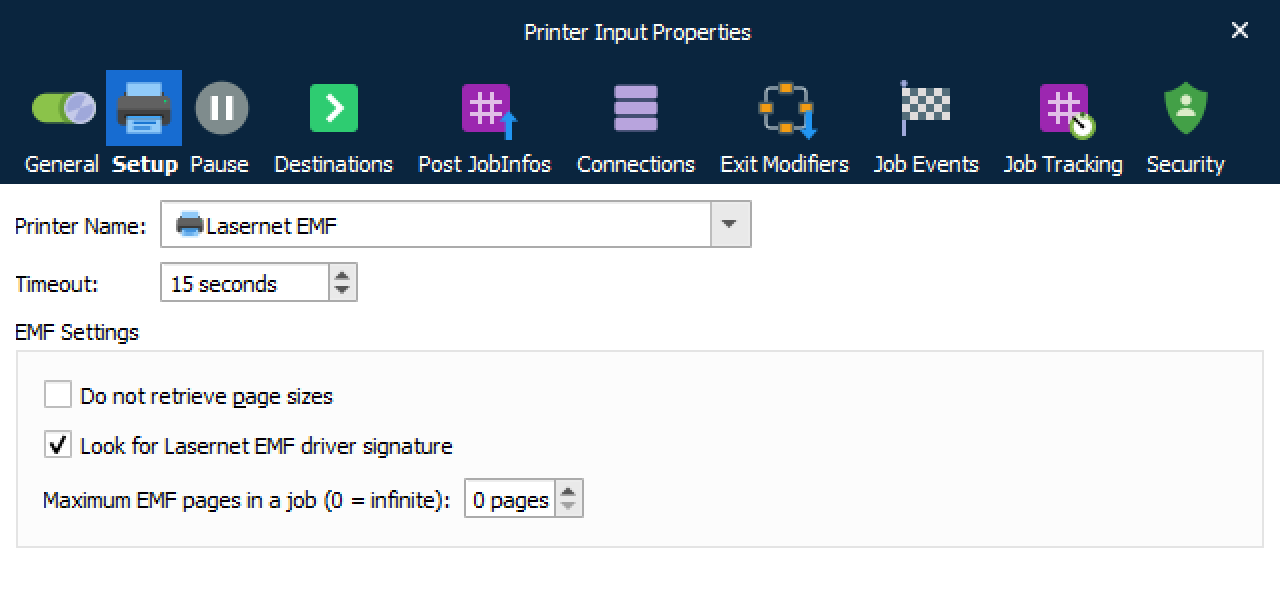
Selecting a Printer Name is only essential if you have defined a Master input printer in the environment settings and want to automatically create or synchronize input printers in Windows, at Lasernet Core service startup.
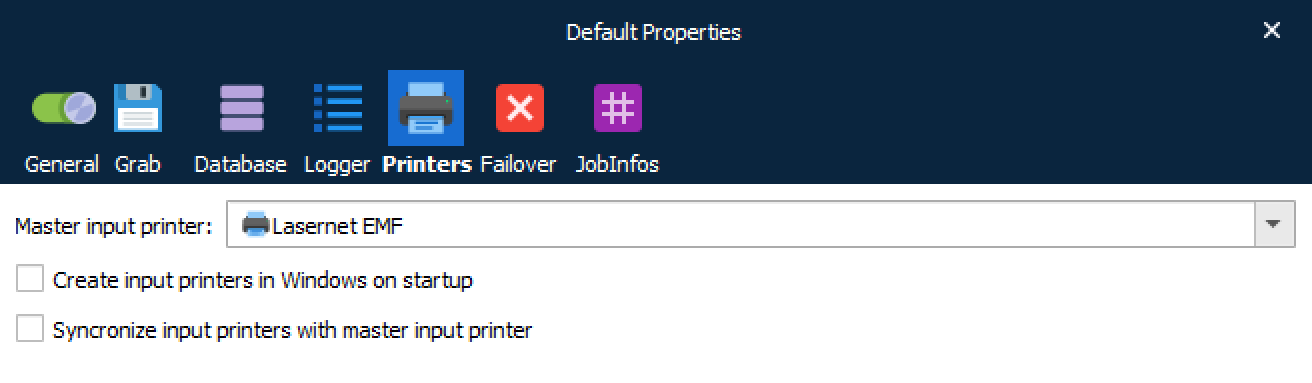
To learn more about the master input printer, see Environments in Lasernet Developer.
The Printer Name in the Printer Input module is only queried when using the master printer functionality. We recommend selecting the same Windows printer as you have connected the Lasernet Core Printer Port to.
The Timeout will close the connection between the Windows printer port and Printer Input module if a closing print job message has not been received from Windows in the defined number of seconds. This will prevent the print queue from hanging in case of a printing error.
EMF Settings
The EMF Settings are only used if a Windows printer has been installed with a Lasernet EMF driver and the job was not processed by the Lasernet Core Print Processor.
Do not retrieve page sizes prevents the Printer Input module from creating a list of system-defined JobInfos named NumInputPages, InputPageWidth and InputPageHeight.
Look for Lasernet EMF driver signature will look for a signature in Lasernet Core EMF Driver instead and retrieve a list of additional JobInfos if available in the print job.
In earlier versions of Lasernet, not detecting the pages sizes or looking for a driver signature in a print job, could improve speed, but its effects are negligible in Lasernet Core 11.
Maximum EMF pages in a job can be used to split up a spool job into chunks. The default setting is 0 (zero) and means that the incoming spool job will be processed as one large job. If the size of EMF spool job is larger than the available memory in the server, use this setting to break the job up into smaller, more manageable chunks.
JobInfos
DefaultPrinter | The default printer entered in the configuration. |
Default | The default destination entered in the configuration. |
WinPrinterName | The name of the printer that the job was printed on. |
DocName | The name of the print job as set by the Windows Print Spooler. If empty, the default value set by Printer Input module is Unnamed – Lasernet document. |
DataFormat | The format of the data that is generated by the printer. If the DataFormat is empty, the Printer Input module will set it to EMF by default. |
DataPrinterName | The name of the Windows print queue. |
MachineName | The name of the machine on which the job was printed. |
UserName | The name of the user who printed the job. |
NotifyName | The name of the user who should be notified of print progress. |
Priority | The priority of the print job. |
DataTotalPages | The total number of pages in the print job. |
PrintProcessor | The name of the print processor that handled the job. |
DriverName | The name of the driver that handled the print job. |
NumInputPages | Total number of physical pages in the EMF spool job as received by the Lasernet Core EMF driver. |
InputDefaultSource | The value of the selected default source for the incoming document. If available, the value is presented as a number. |
InputDuplexMode | The value of the selected duplex mode for the incoming document. Known values are Simplex, Horizontal and Vertical. |
InputPageWidth | Page width for each physical page in the EMF spool jobs as received by the Lasernet Core EMF driver. Information will be written in to an array if the job has multiple pages. |
InputPageHeight | Page height for each physical page in the EMF spool jobs as received by the Lasernet Core EMF driver. Information will be written in to an array if the job has multiple pages. |