File Retriever
- 14 Apr 2026
- 1 Minute to read
- Contributors

- Print
- PDF
File Retriever
- Updated on 14 Apr 2026
- 1 Minute to read
- Contributors
- Print
- PDF
Article summary
Did you find this summary helpful?
Thank you for your feedback
Applies to: Lasernet Core 11
Whilst processing a job, this modifier can retrieve additional files from different locations like a file directory, FTP server, or HTTP server, in either normal or secure mode.
Settings
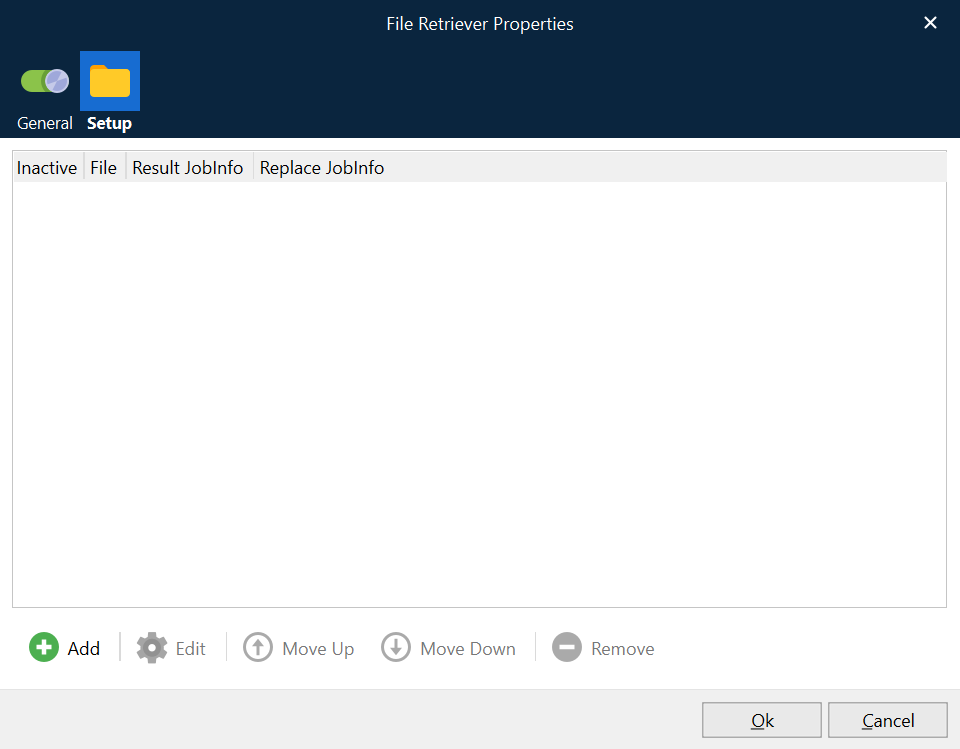
You can add a list of locations to retrieve your additional files from, based on a filename stored in a user-defined JobInfo. If the file is successfully retrieved from the specified location, the data will be placed into the JobInfo that you specify.
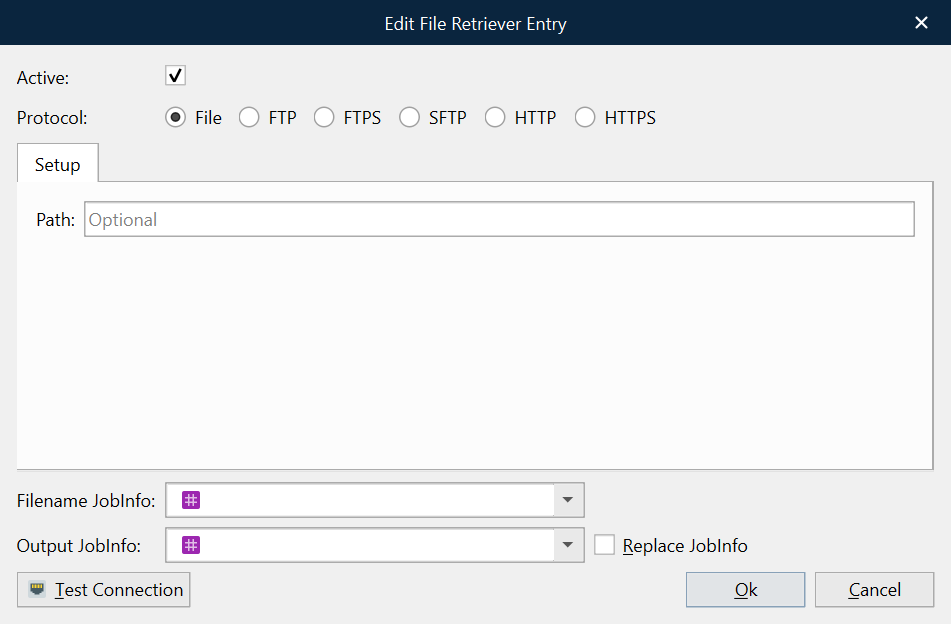
If the file you want to retrieve is stored on a file system, you must configure the following settings:
Protocol | Data will be retrieved via the specified protocol (File, FTP, HTTP) in secure or non-secure mode. |
Path | The location where your files are stored. |
Filename JobInfo | The name of the JobInfo containing your file name. |
Output JobInfo | The name of the JobInfo where you want to store your data. |
Replace JobInfo | If active, any retrieved files will be added to index 0. |
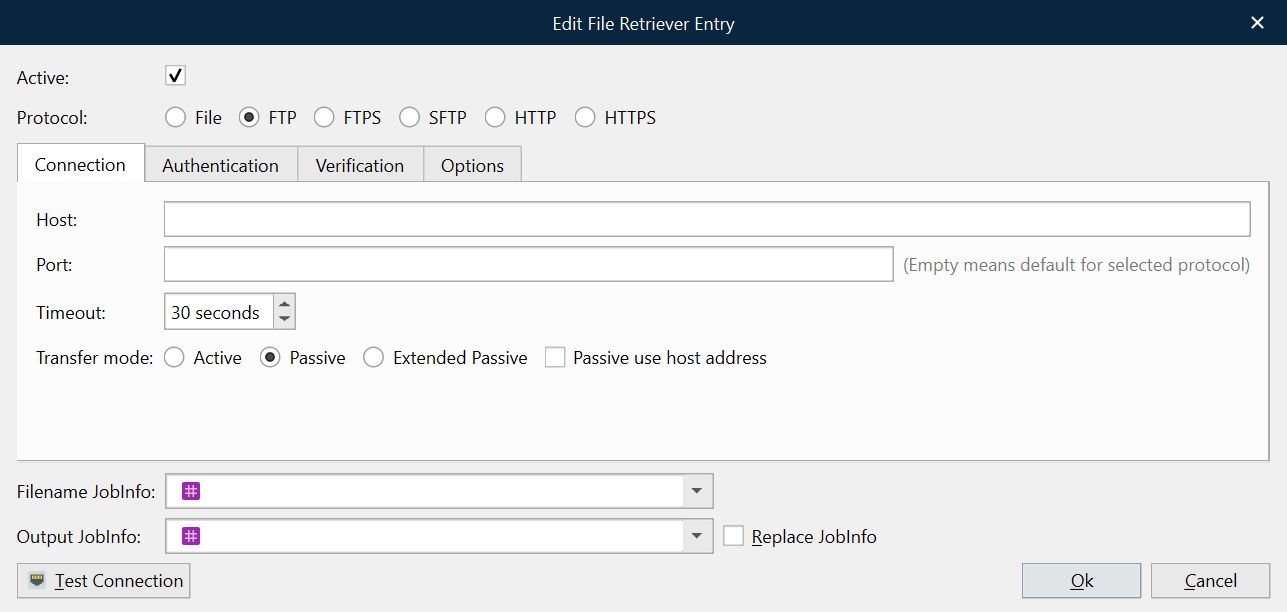
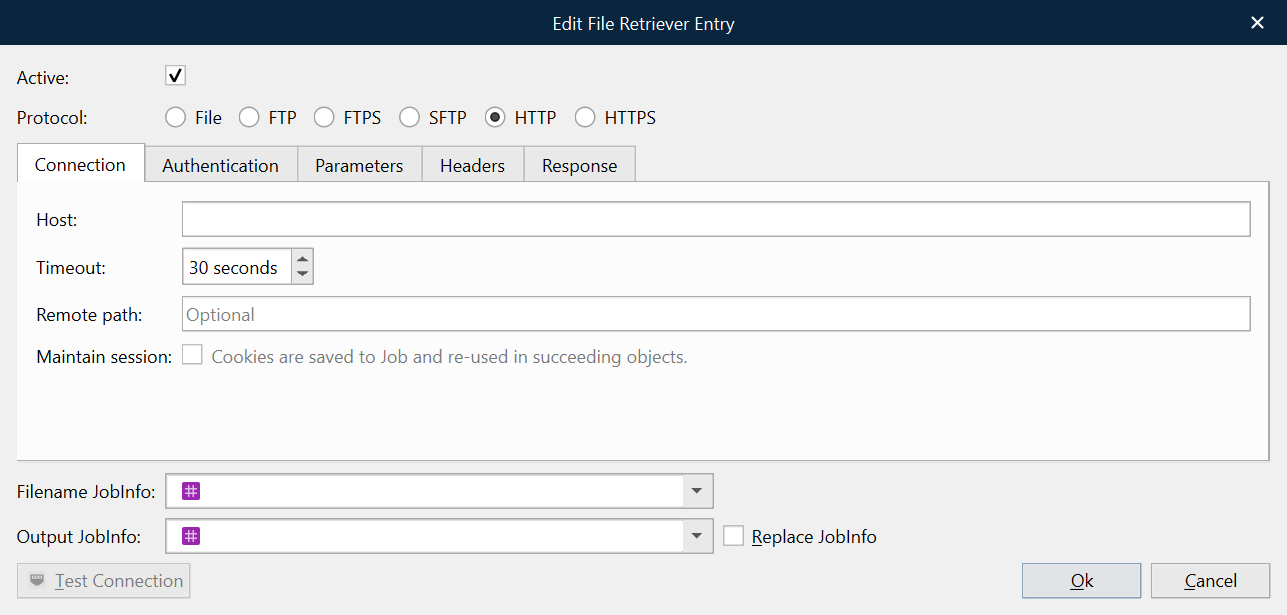
If the file you want to retrieve is stored in an FTP or HTTP location, you must provide values for additional settings such as host name and port number. For more information about FTP and HTTP settings, refer to the documentation for FTP and HTTP Lasernet Core modules.