Azure Storage Blob Command
- 16 Apr 2026
- 1 Minute to read
- Contributors

- Print
- PDF
Azure Storage Blob Command
- Updated on 16 Apr 2026
- 1 Minute to read
- Contributors
- Print
- PDF
Article summary
Did you find this summary helpful?
Thank you for your feedback
Applies to: Lasernet Core 11
Azure Storage Blob commands are added through the Commands pane in Lasernet Developer.
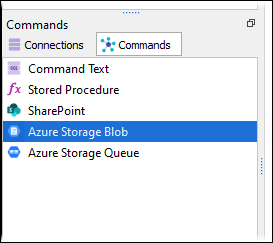
There are five different command types:
Create Container
Delete Container
Upload Blob
Download Blob
Delete Blob
Create Container
A container groups together of a set of blobs. All blobs must be in a container. An account can contain an unlimited number of containers. A container can store an unlimited number of blobs.
Note
The Container name must be lowercase.
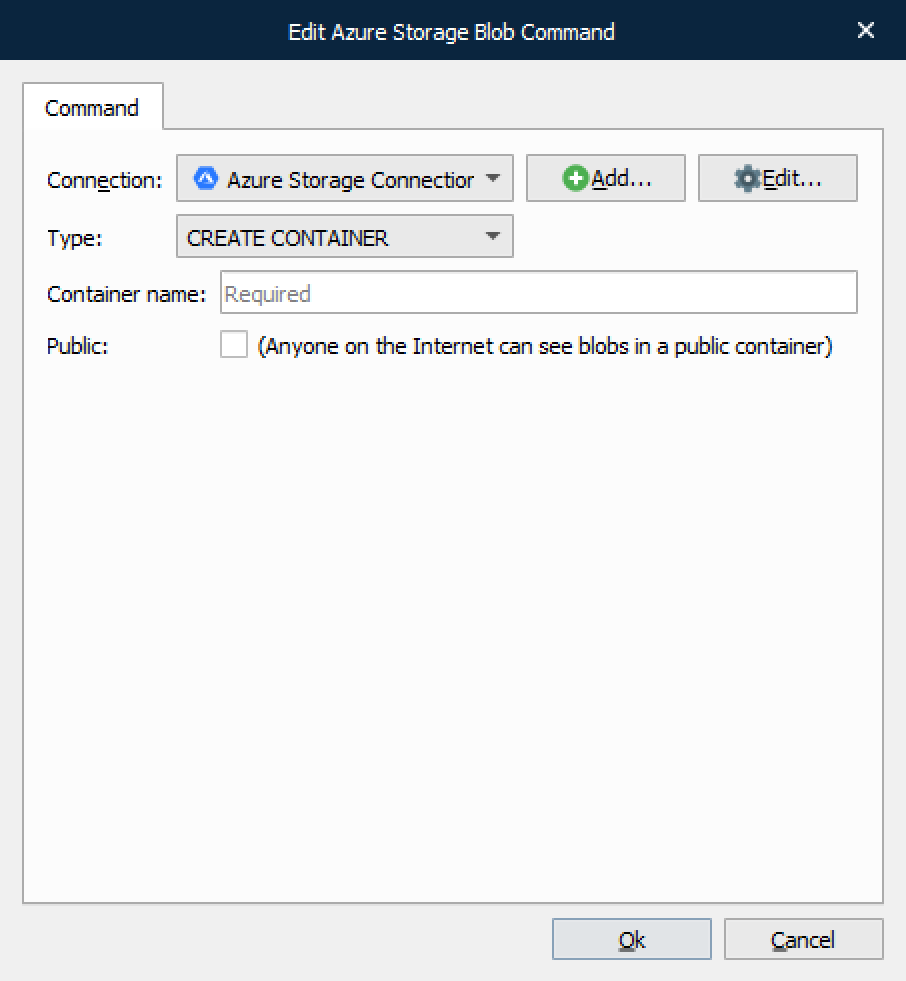
Anyone using the Internet can see blobs in a public container, but you can only modify or delete them if you have the appropriate access key.
Delete Container
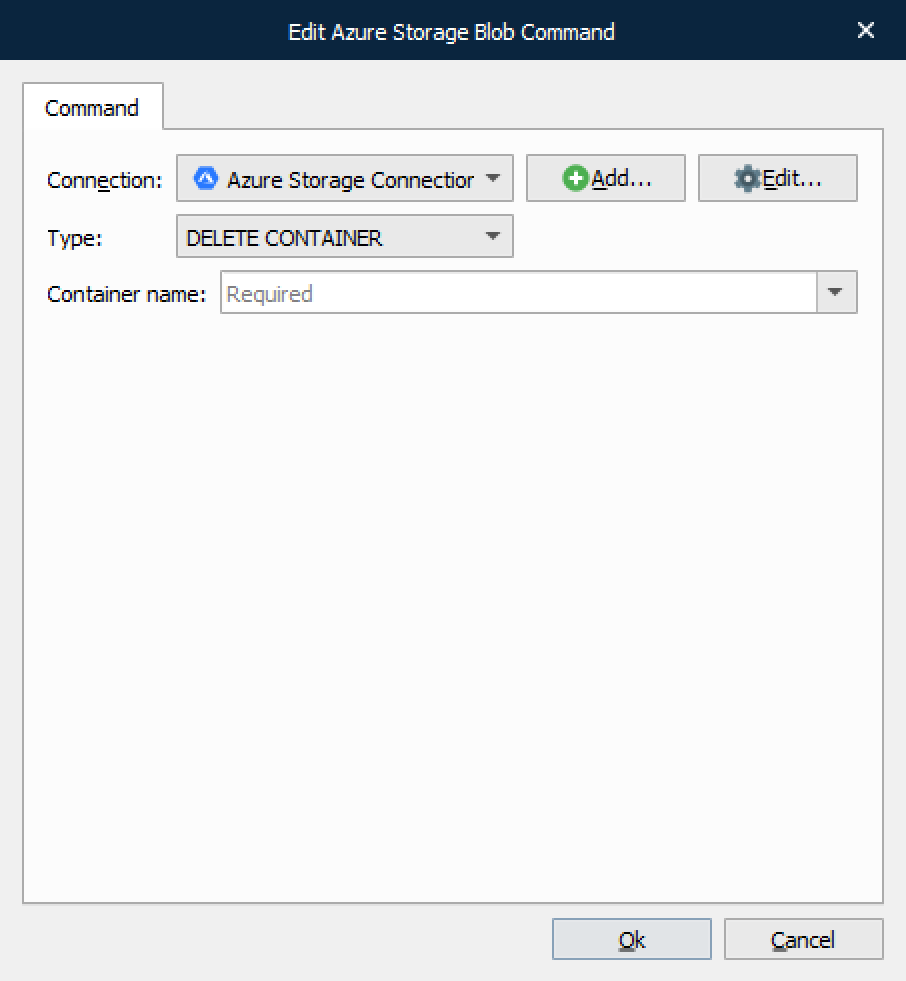
This command type is used to delete a container and all the blobs within it.
Upload Blob
This command type is used to upload a file to a specified container (using an optional path within the container if required).
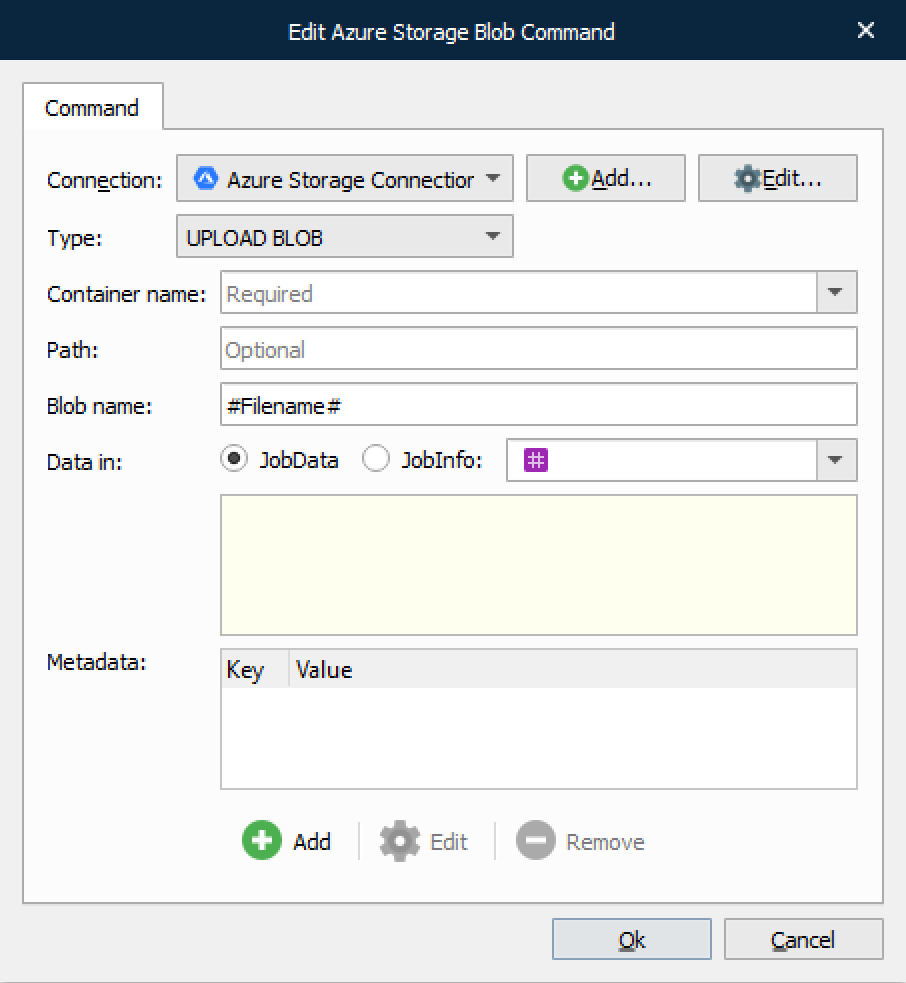
Data can be uploaded from either JobData or a JobInfo.
Download Blob
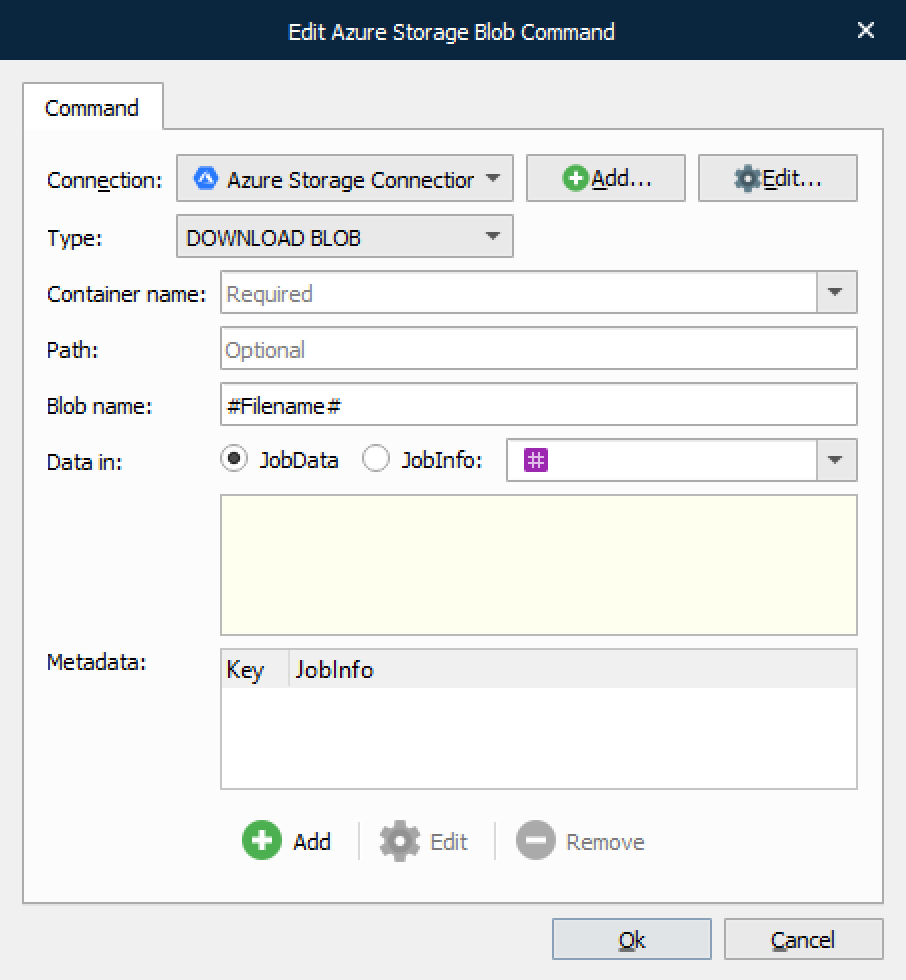
This command is used for downloading files by their given blob name.
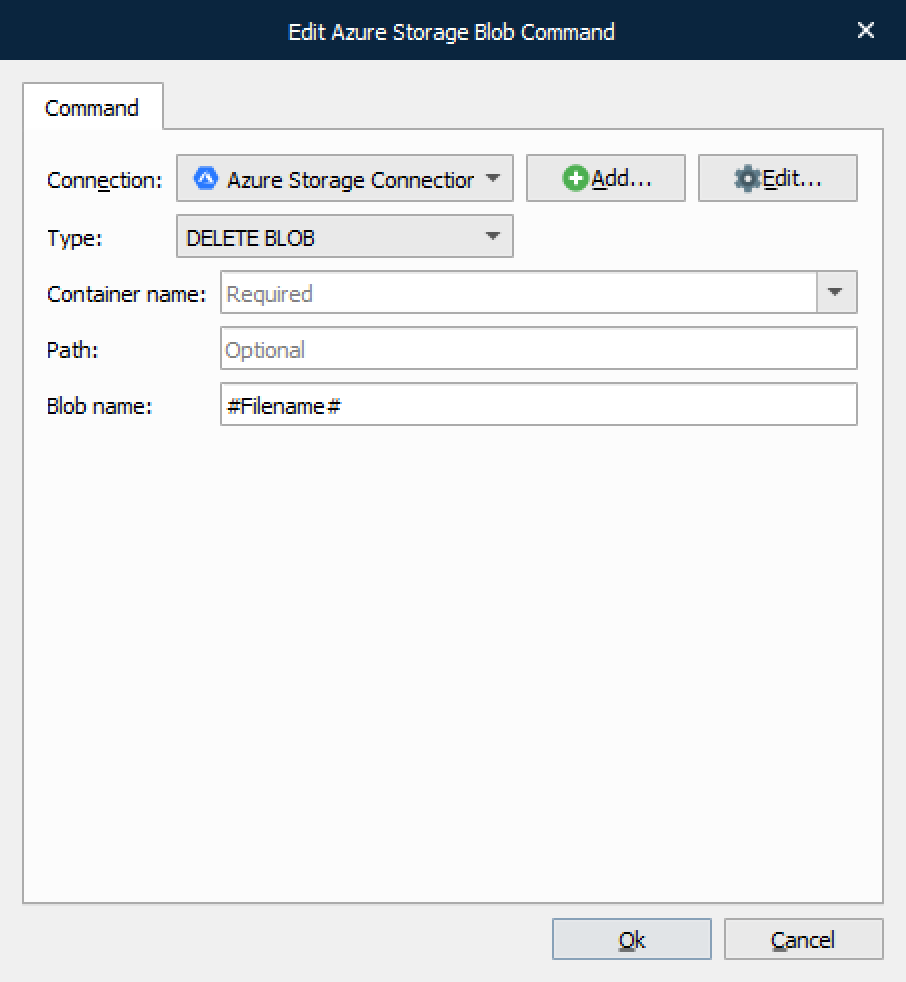
Delete Blob
This command type is used for deleting a blob by its given name.